
Consent Pro by Finsweet is the best cookie consent app for Webflow in 2026, scoring 4.4 on our Webflow-fit evaluation. It installs as a native Webflow app and blocks third-party scripts before consent, with no Google Tag Manager needed. Consent Pro replaced the Finsweet free cookie consent cloneable, which Finsweet deprecated and migrated to this paid app.
We scored 8 Webflow apps by re-weighting our methodology for a Webflow buyer. Native Webflow integration is the decisive factor: apps that paste a script rather than install natively rank lower.
Below: a score-ranked quick list, a comparison table, and a scored section per app.
Disclosure: Consently publishes this guide and appears at rank 7 of 8 by its Webflow-fit score of 3.3.
What Are the Best Cookie Consent Apps for Webflow?
The top three cookie consent apps for Webflow are Consent Pro (Webflow-fit 4.4), Enzuzo (4.2), and CookieHub (3.7). Consent Pro blocks scripts natively in the Designer, Enzuzo adds an App Marketplace install with a free tier, and CookieHub is the certified custom-code option. The full ranking, by Webflow-fit score, follows.
-
Consent Pro (Webflow-fit 4.4) - Best built natively for Webflow, with auto script-blocking in the Designer.
-
Enzuzo (Webflow-fit 4.2) - Best App Marketplace pick, with a usable free tier and DSAR workflow.
-
CookieHub (Webflow-fit 3.7) - Best certified custom-code option, ISO 27001 with session-based pricing.
-
Cookie Script (Webflow-fit 3.4) - Best lightweight script banner for a single simple Webflow site.
-
Cookiebot (Webflow-fit 3.4) - Best deep-scanning certified CMP for larger Webflow sites.
-
Osano (Webflow-fit 3.3) - Best for Webflow sites that also need a privacy program.
-
Consently (Webflow-fit 3.3) - Best flat multi-domain value for Webflow agencies.
-
CookieYes (Webflow-fit 3.2) - Best budget script banner with a usable free tier.
We score every consent platform on seven weighted categories. For this list, we re-weight those scores for Webflow and add two decisive sub-factors. The first is a native Webflow app or embed with script-blocking, the heaviest single factor. The second is Google Consent Mode v2 or GTM support. The global score sits beside each Webflow-fit score, so you see both. A tool with no native Webflow app or embed cannot rank first. See how we score every consent platform.
What Is a Cookie Consent App for Webflow, and Why Do You Need One?
A cookie consent app for Webflow withholds analytics, advertising, and marketing scripts from firing until a visitor consents, then records that choice. Webflow ships no built-in consent banner, so you add one. GDPR and the ePrivacy Directive require prior informed consent before non-essential cookies load. CCPA requires an opt-out. An unmanaged Webflow site is therefore non-compliant by default.
The install path is what makes this harder on Webflow than on WordPress. Learn what a consent management platform does at a category level, then read on for the Webflow specifics. For years the default answer was Finsweet’s free cookie consent cloneable. Finsweet has since deprecated it and migrated it to the paid Consent Pro app. That reset the market and sent thousands of Webflow builders hunting for a replacement.
Is There a Free Cookie Consent Option for Webflow?
Yes, free routes exist, but they narrow fast once you need real compliance features. The genuinely free options fall into two groups. The first is Webflow’s own made-in-Webflow cloneables, the FlowAppz Cookie Consent free plan, and the Flow Ninja free widget. The second is the free tiers of CookieYes, CookieHub, and Enzuzo. These work for a small static site. The word “free” rarely survives custom styling, Consent Mode v2, geo-targeting, or traffic growth.
Here are the free routes and where each one stops being free.
-
Webflow made-in-Webflow cloneables: free and design-flexible, but static UI with no automatic script-blocking or scanning, so you wire compliance yourself.
-
FlowAppz Cookie Consent (free plan): a native Webflow Marketplace app you customize in the Designer, free at entry, with paid upgrades for advanced controls.
-
Enzuzo Free: 1 domain and a visitor cap, with the Webflow app and Consent Mode v2 included; you upgrade as traffic grows.
-
CookieYes Free and CookieHub Free: real free tiers for one low-traffic site, with IAB TCF, GPC, and higher limits gated to paid plans.
Finsweet’s once-default free cloneable is gone, now the paid Consent Pro. For a deeper cross-platform view, see the best free cookie consent options. One r/webflow theme is consistent. Most “free” Webflow banners are free only until you need the features that make them compliant at scale.
What Should You Look for in a Webflow Cookie Consent App?
Five criteria decide whether an app drops into Webflow cleanly. The first three are a native Webflow app versus a pasted script, automatic script-blocking, and Google Consent Mode v2. The last two are design control in the Designer and a pricing model you can stand behind. The sections below explain each one.
Native Webflow App vs Custom-Code Embed
A native Webflow app installs from the App Marketplace in a click. It loads faster and is more secure than pasting a third-party script into Custom Code. Consent Pro, Enzuzo, and FlowAppz install this way. The other apps here install as a script you manage yourself.
The difference is real on Webflow. A script pasted into the Custom Code head cannot reliably block another script that loads in the same head at the same time. A native app hooks into Webflow’s script-loading lifecycle directly. That is why this list weights native integration most. It is the single criterion most likely to determine whether consent fires before trackers do.
Automatic Script-Blocking That Does Not Break Webflow
Automatic script-blocking means the app holds analytics, advertising, and embed scripts until consent, then releases only the approved ones. The catch on Webflow is that aggressive blocking can break Webflow Interactions, animations, or form scripts. A tool not built for the platform is the usual culprit.
The best apps scope blocking to non-essential trackers only. CookieHub states that it leaves Webflow Interactions, layout scripts, and functional behavior untouched. Consent Pro auto-detects every script and blocks it until consent, with no manual setup. A generic script with no Webflow awareness is the one most likely to cause a visible regression on publish.
Google Consent Mode v2 and Google Tag Manager
Google Consent Mode v2 is table stakes for any Webflow site running GA4 or Google Ads on EEA traffic. Google needs it to model conversions after a visitor declines. A documented GTM path matters when you route tags through a container instead of Custom Code.
All 8 apps here support Consent Mode v2. The gating differs. CookieYes includes Consent Mode v2 on its free plan but locks IAB TCF and GPC to its Pro tier. Cookiebot, Osano, and Enzuzo hold Google CMP certification, which signals a fully validated Consent Mode integration.
Design Control and the Banner Inside Webflow
Design control means styling the banner to match your site without fighting a templated external editor. Webflow users are designers. A banner they shape inside the Designer beats one configured in a separate dashboard with limited CSS.
Consent Pro is the clearest win here, since its banner components live inside the Webflow Designer. Most script-based tools offer styling through their own dashboard. That works, but it sits outside your Webflow workflow. Consently exposes deep CSS control and 35 banner languages, though it is configured in its own dashboard rather than the Designer.
Pricing Model and Compliance You Can Stand Behind
The pricing models split three ways. There is per-site lifetime (Consent Pro at $199 one-time per site), per-domain subscription (CookieYes, Cookiebot, and Cookie Script), and flat multi-domain, one-time or annual (Consently). The right one depends on how many Webflow sites you run.
For compliance you can defend to a client, the floor is GDPR, CCPA, and Consent Mode v2. For some sites, certifications matter too. CookieHub carries ISO 27001, while Cookiebot and Osano hold Google CMP certification. An agency should price the model against its real domain count, since per-domain subscriptions stack quickly.
How Do the Best Webflow Cookie Consent Apps Compare?
The table below ranks all 8 apps by Webflow-fit score, with the global score alongside, so you can shortlist from one view. Prices are entry-tier figures verified in June 2026; check each pricing page for current rates.
| Rank | App | Score | Webflow-fit | Webflow install | Auto script-blocking | Consent Mode v2 | Entry price | Best for (Webflow) |
|---|---|---|---|---|---|---|---|---|
| 1 | Consent Pro | ~4.2* | 4.4 | Native app (in Designer) | Yes (auto-detects every script) | Yes (+ GPC, IAB TCF) | Free staging; $199 lifetime/site | Built natively for Webflow |
| 2 | Enzuzo | 3.9 | 4.2 | Native app (Marketplace) | Yes (scan + auto-block) | Yes (Google CMP Gold) | Free (1 domain); $9/mo | App Marketplace pick with DSAR |
| 3 | CookieHub | 3.9 | 3.7 | Custom Code (one snippet) | Yes (blocks unapproved scripts) | Yes (ISO 27001) | Free (1k sessions); EUR 6/mo | Certified custom-code option |
| 4 | Cookie Script | 4.0 | 3.4 | Custom Code (script) | Yes (pre-consent blocking) | Yes (TCF on PLUS) | Free; EUR 8/mo | Lightweight banner for simple sites |
| 5 | Cookiebot | 4.0 | 3.4 | Custom Code (script) | Yes (auto on paid) | Yes (Gold Tier) | Free (50 subpages); $8/mo per domain | Deep-scanning certified CMP |
| 6 | Osano | 3.9 | 3.3 | Custom Code (one-line JS) | Yes (scan + tag block) | Yes (+ GPC, TCF, GPP) | Free Solo; $199/mo (3 domains) | Sites needing a privacy program |
| 7 | Consently | 4.0 | 3.3 | Custom Code (one-line embed; no native app) | Yes (cookies, scripts, iframes) | Yes (automatic + IAB TCF 2.3) | 14-day trial; $99 to $499/yr (1 to 10 domains) | Flat multi-domain value for agencies |
| 8 | CookieYes | 3.8 | 3.2 | Custom Code (script) | Yes (every plan) | Yes (TCF/GPC gated to Pro) | Free (5k views); $10/mo per domain | Budget banner with a free tier |
Consent Pro’s global score is newly assigned (no full review yet), so it is flagged below and excluded from our review scoreboard. Cookie Script and Cookiebot both round to 3.4; Cookie Script edges ahead on the unrounded composite (3.40 versus 3.375). Osano and Consently both round to 3.3. By our rule against ranking our own tool above a competitor, it ties, we place Consently just below Osano.
1. Consent Pro: Best Cookie Consent App Built Natively for Webflow
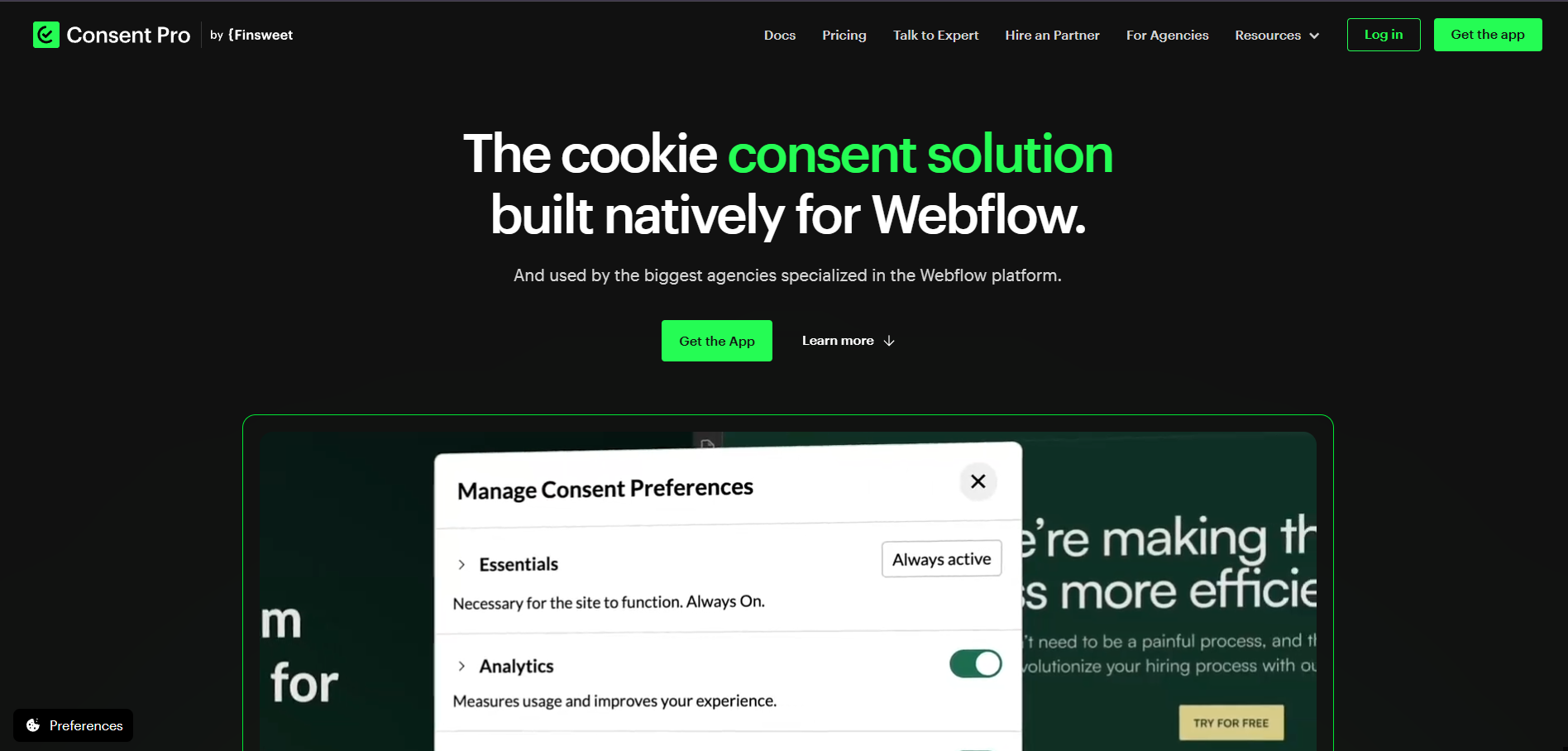
Consent Pro scores about 4.2 of 5 globally and 4.4 on our Webflow-fit score, the top pick here. Built by Finsweet, it is the only app on this list designed natively inside Webflow. Its score is newly assigned from its live site, since it has no full Consently review yet, so treat the global figure as provisional.
Consent Pro earns the top spot for one reason. It installs from the Webflow App Marketplace into the project panel, not a Custom Code textarea. The app hooks into Webflow’s script-loading lifecycle and blocks third-party scripts before they fire. There is no GTM layer and no manual tag restructuring. It also replaces the deprecated free Finsweet cloneable, which is why it dominates the current Webflow conversation.
Key Features
These features define Consent Pro’s native Webflow fit.
-
Native Webflow Marketplace app installed and customized inside the Designer
-
Automatic script-blocking that auto-detects every script, with no GTM setup
-
Geolocation banners (GDPR for EU visitors, CCPA notices in California)
-
Consent analytics dashboard with accept and deny rates, plus automatic consent logs
-
Google Consent Mode v2, IAB TCF, GPC signal handling, and auto GTM detection
-
AI-assisted tracker documentation and a scheduled website scan
Pros
These strengths come from its live product and the Finsweet community.
-
The only true native-in-Designer experience, with the fastest install and full design control
-
Auto script-blocking that works without GTM, so setup that took an hour takes minutes
-
One-time lifetime pricing, which answers the common r/webflow complaint about monthly fees
-
A maintained replacement for the free Finsweet cloneable, from a team Webflow builders trust
Cons
I weighed these limitations honestly against the alternatives.
-
Per-site licensing, so an agency with many Webflow clients buys multiple licenses or an Agency plan
-
A younger product with a thin independent review base outside Finsweet’s own channels
-
10 banner languages, fewer than Cookiebot or Osano
-
No published Google CMP Gold or ISO 27001 certification yet
Pricing
Consent Pro uses one-time per-site licensing, not a subscription, which is unusual in this category.
| Plan | One-time (lifetime) | Monthly | Annual |
|---|---|---|---|
| Free (staging only) | $0 | - | - |
| Basic | $199 | $12/mo | $120/yr |
| Premium | $249 (currently $50 off) | $18/mo | $180/yr |
The free tier works only on .webflow staging URLs, with full features before publish. Agency plans bundle rollover licenses, from $1,908/year for 12 sites up to $9,900/year for unlimited sites. Pricing is verified on the Consent Pro pricing page as of June 2026.
What Users Say
Independent reviews are still thin for Consent Pro, so I treat third-party sentiment as early and directional.
“Cookie consent on Webflow just received a major upgrade with Consent Pro, a completely rebuilt cookie solution.”Yar, Webflow educator, YouTube (2026)
The recurring positive theme is that a native, auto-blocking app finally replaces the manual cloneable era. The recurring caution is that the product is new. Its long-term support and review track record are not yet established.
2. Enzuzo: Best Webflow App-Marketplace Pick With DSAR
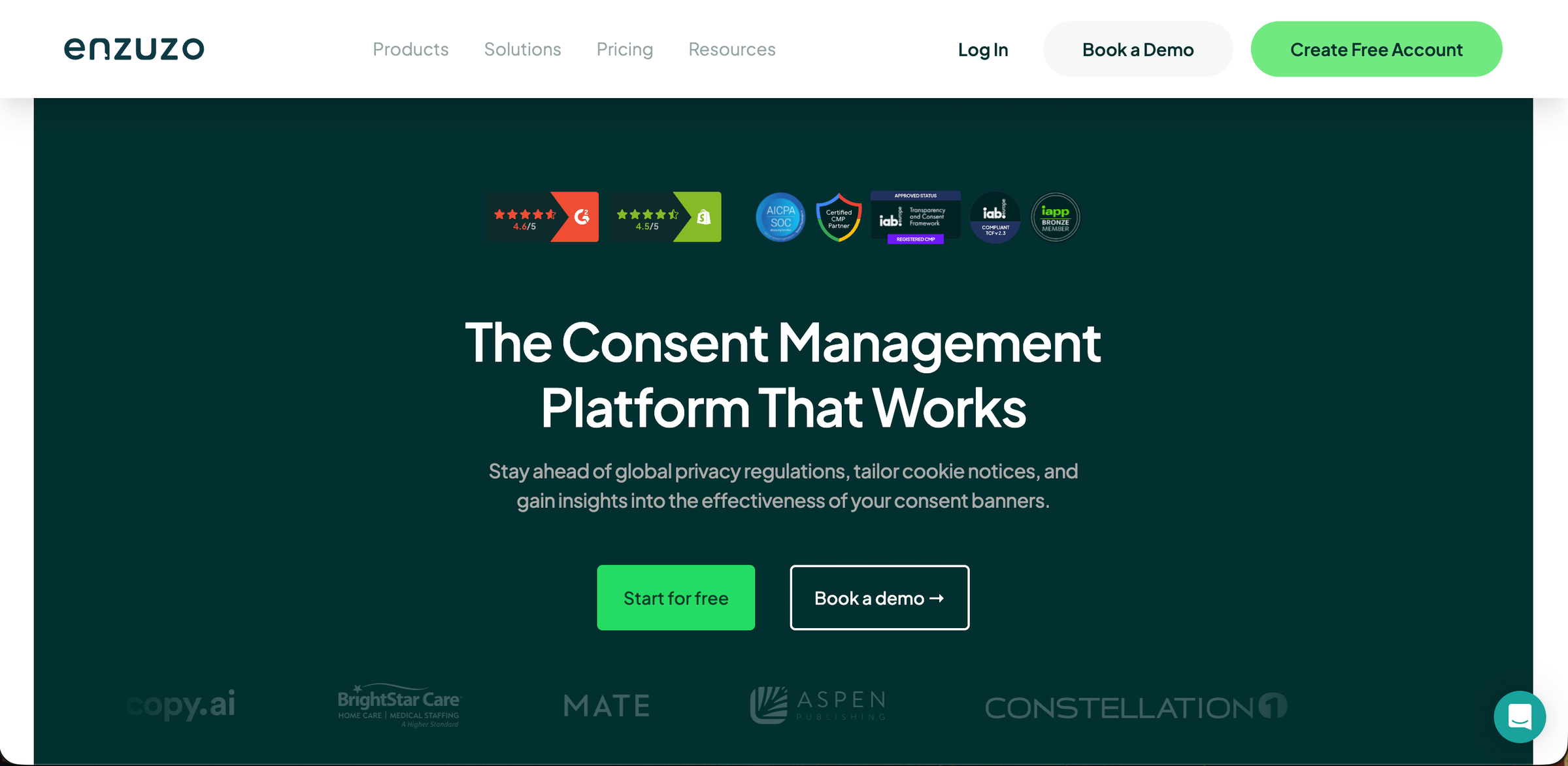
Enzuzo scores 3.9 of 5 globally and 4.2 on our Webflow-fit score, second here. It is the only app besides Consent Pro that installs as a true native Webflow app while also offering a working free tier. That combination is what lifts it above the certified script-based tools.
Read the full Enzuzo review for feature depth, or compare it against similar tools in Enzuzo alternatives.
Key Features
Enzuzo’s differentiating features for Webflow are its native install and its privacy tooling.
-
Native Webflow App Marketplace install that avoids manual script placement
-
Built-in scanner that auto-blocks tracking scripts based on consent
-
Google CMP Gold certification and Consent Mode v2
-
DSAR (data subject access request) workflow and six legal-document generators
-
Region toggles for geo-targeted banners and 25+ languages
Pros
These strengths come from Enzuzo’s Webflow page and verified user feedback.
-
A real App Marketplace app, so it loads faster and more securely than a pasted script
-
A genuinely usable free tier for a small Webflow site, with no credit card required
-
DSAR automation at an SMB price, which most banner-only tools lack
-
Strong ad-tech signal coverage through Google CMP Gold certification
Cons
The limitations below reflect current gating and verified complaints.
-
Visitor caps on lower tiers that force an upgrade as traffic grows
-
Geo-targeting gated to the Growth plan and above
-
A language ceiling around 25, behind Cookiebot and Osano
-
Entry-tier support response speed, which draws criticism on review sites
Pricing
Enzuzo runs a freemium model with predictable steps.
| Plan | Monthly | Annual |
|---|---|---|
| Free | $0 | $0 |
| Starter | $9/mo | $9/mo |
| Growth | $29/mo | $22/mo |
| Pro | $79/mo | - |
The free tier covers 1 domain with a monthly visitor cap. Verify current limits on the Enzuzo pricing page.
What Users Say
Sentiment is mixed-positive. The install experience wins praise, while higher-tier gating draws the most criticism.
“One-click install from the Webflow app store gave us peace of mind that scripts load correctly.”Verified Webflow user, paraphrased from G2
A common balanced note is that the free and Starter tiers are easy to launch. The features many sites actually need, such as geo-targeting and DSAR, sit on higher plans.
3. CookieHub: Best Certified Custom-Code Option for Webflow
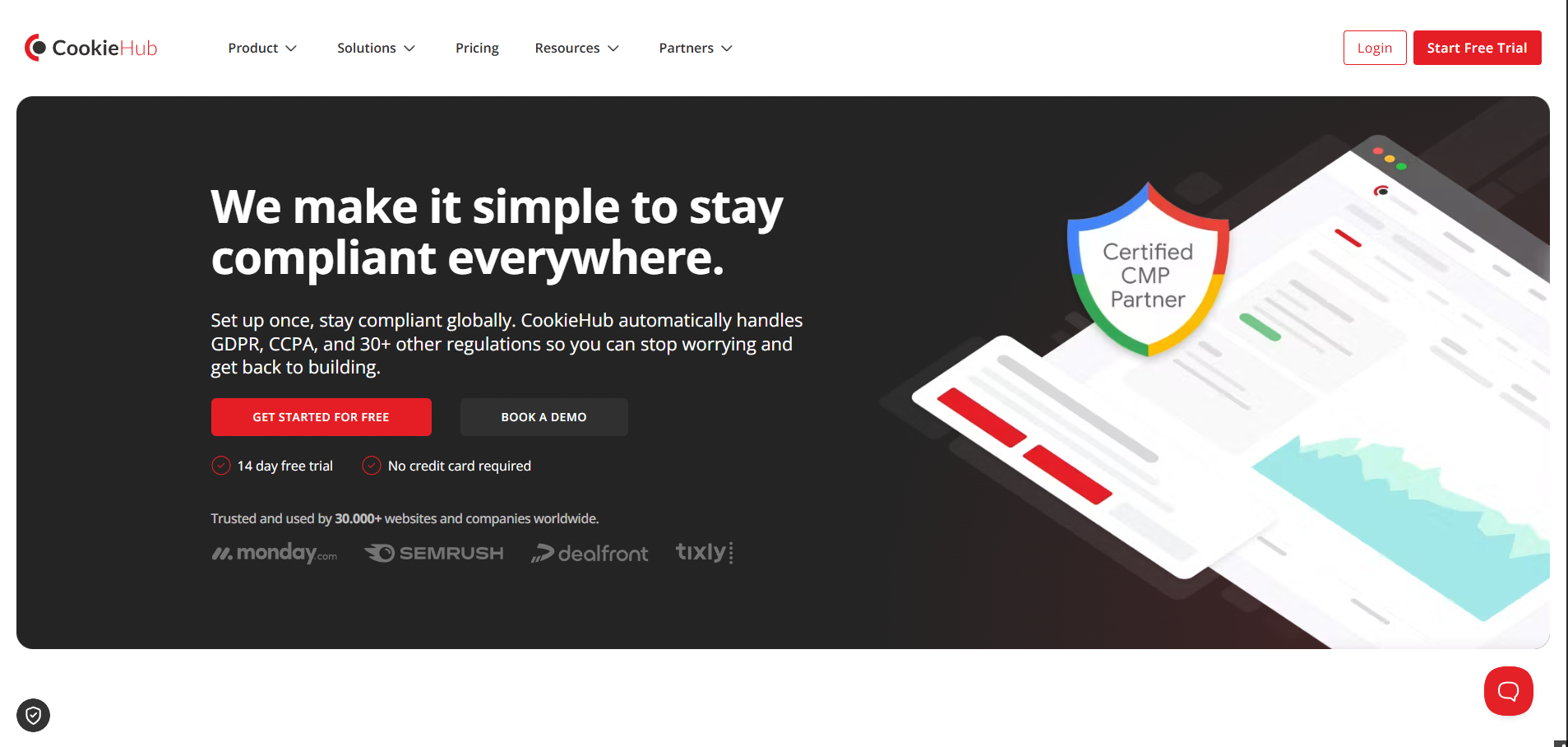
CookieHub scores 3.9 of 5 globally and 3.7 on our Webflow-fit score, third here. It is not a native app, but its documented Webflow Custom Code integration blocks scripts cleanly and respects Webflow Interactions. That earns it a 3.0 on the native sub-factor rather than the 1.0 a generic script gets.
Read the full CookieHub review for a complete breakdown, or see CookieHub alternatives if the session-based model does not fit.
Key Features
CookieHub’s Webflow-relevant features center on certified, interaction-safe blocking.
-
Webflow Custom Code install through a single snippet, with no third-party app required
-
Blocks unapproved scripts while leaving Webflow Interactions and layout scripts untouched
-
Google-certified CMP and ISO 27001 certification
-
Google Consent Mode v2 and monthly automatic re-scanning
-
Geo-targeted banners, multiple languages, and a cookie-declaration page you can embed in Webflow CMS
Pros
These strengths come from its Webflow page and verified reviews.
-
ISO 27001 certification at a price well below most certified rivals
-
A clean Custom Code integration that does not break Webflow animations or forms
-
Session-based pricing that covers unlimited domains, which suits agencies
-
Consent Mode v2 support without forcing the top tier
Cons
I noted these real limitations against the native options.
-
Not a native app, so you manage the snippet and its load order yourself
-
Custom Code requires a paid Webflow plan (Pro or higher)
-
Session metering with overage charges, and key frameworks gated to the Business tier
-
Per-domain configuration on standard plans, with no one-click clone across sites
Pricing
CookieHub charges by sessions, not by domain, which is the model’s main draw.
| Plan | Sessions/mo | Price |
|---|---|---|
| Free | 1,000 | EUR 0 |
| Starter | 100,000 | EUR 6/mo |
| Plus | 300,000 | EUR 10/mo |
| Business | 1,000,000 | EUR 30/mo |
The free tier’s 1,000-session cap is too low for a live site, so treat it as a trial. Verify rates on the CookieHub pricing page.
What Users Say
Reviews praise the value and certification, with per-domain setup as the main friction point.
“Among the most affordable CMPs, and ISO 27001 certified at this price is rare.”Verified buyer, paraphrased from G2
The balanced theme is that the tool is a strong value. Configuring it across many client domains is time-consuming compared with a session-pooled, multi-site dashboard.
4. Cookie Script: Best Lightweight Script Banner for Simple Webflow Sites
Cookie Script scores 4.0 of 5 globally but 3.4 on our Webflow-fit score, because it installs as a generic script, not a native Webflow app. By Objectis Ltd, it is the most aggressively priced fully compliant CMP here. That makes it a strong fit for a single Webflow site managed manually.
Explore the full Cookie Script review for the complete feature set, or see Cookie Script alternatives if you need a native Webflow integration.
Key Features
Cookie Script’s Webflow-relevant features are a certified scanner and a fast script install.
-
Scanner-led banner with pre-consent script blocking
-
Google-certified CMP with Consent Mode v2
-
GTM-intuitive install through Webflow Custom Code
-
Geo-targeting and IAB TCF 2.2 on the PLUS plan
-
Strong framework coverage: GDPR, CCPA, LGPD, and PIPEDA
Pros
These strengths reflect verified reviews and its live pricing.
-
The lowest monthly entry price for a certified CMP in this comparison
-
A GTM integration that an agency owner on G2 called extremely intuitive and quick to implement
-
A real automatic scanner rather than a static banner
-
A permanent free plan for testing the interface
Cons
The limitations below are current and verified.
-
A generic script embed with no native Webflow app, scoring 1.0 on the native sub-factor
-
Per-domain bundle pricing (2, 5, or 10 domains) that forces you to buy unused slots
-
IAB TCF, consent records, analytics, and the API locked to the top PLUS plan
-
Script ordering left to you, unlike Consent Pro’s native auto-blocking
Pricing
Cookie Script prices in per-domain bundles, billed annually.
| Plan | Price per bundle |
|---|---|
| Free | EUR 0 (limited) |
| LITE | EUR 8/mo |
| STANDARD | EUR 15/mo |
| PLUS | EUR 19/mo |
Verify current bundle sizes and rates on the Cookie Script pricing page.
What Users Say
Reviews are strongly positive on value and setup, with per-domain pricing as the main complaint.
“The integration via Google Tag Manager is extremely intuitive and quickly implemented.”Thomas A., agency owner, Cookie Script on Trustpilot.
Across G2 and Trustpilot the consensus is that Cookie Script delivers compliance cheaply. The per-domain bundle structure feels strict for operators running many small Webflow sites.
5. Cookiebot: Best Deep-Scanning Certified CMP for Larger Webflow Sites
Cookiebot holds the highest global score here at 4.0 of 5, but only 3.4 on our Webflow-fit score. The reason is that it installs via Webflow Custom Code, not a native app. By Usercentrics, it is one of the oldest and deepest-scanning CMPs. That is exactly why a larger Webflow site might accept the script install.
See the full Cookiebot review for detailed analysis, or read Cookiebot alternatives if the per-domain pricing is a concern.
Key Features
Cookiebot’s Webflow-relevant strengths are scanning depth and certification.
-
Deep certified scanning against a large cookie repository
-
Google CMP Gold Tier with Consent Mode v2
-
47+ banner languages
-
Custom Code install, which Webflow’s own help content documents for Cookiebot
Pros
These strengths come from verified reviews.
-
The deepest certified cookie scanning in this comparison
-
The broadest language coverage, useful for international Webflow sites
-
Strong per-client reliability and an established support track record
-
Clear Google CMP Gold certification for compliance-sensitive clients
Cons
I noted these limitations against the native and value options.
-
A generic script embed with no native Webflow app, scoring 1.0 on the native sub-factor
-
Per-domain billing where each subdomain counts as a separate domain
-
An auto-upgrade triggered by subpage count, so costs can stack without warning
-
A thin free tier capped at 50 subpages with manual blocking
Pricing
Cookiebot prices per domain, scaling with site size.
| Plan | Price |
|---|---|
| Free | $0 (50 subpages, 1 domain) |
| Premium | $8 to $96/mo per domain |
Subdomains are billed as separate domains, and the free tier suits only a tiny site. Verify rates on the Cookiebot pricing page.
What Users Say
Reviews praise the scanning depth and flag multi-domain cost as the main drawback.
“The scan depth is excellent, but the cost climbs fast across multiple domains and subdomains.”Verified buyer, paraphrased from G2
The balanced consensus is that Cookiebot is a powerful, trustworthy scanner. Its per-domain and per-subdomain billing punishes anyone running a portfolio of Webflow sites.
6. Osano: Best for Webflow Sites That Also Need a Privacy Program
Osano scores 3.9 of 5 globally and 3.3 on our Webflow-fit score. It is purpose-built for broad U.S. and global privacy coverage, so it fits a Webflow site that needs more than a banner, such as data mapping and vendor monitoring. It raised a $25M Series B in 2023.
Read the full Osano review for complete analysis, or see Osano alternatives if the Plus pricing is outside your budget.
Key Features
Osano’s Webflow-relevant features extend well beyond consent.
-
One-line JavaScript install with AI cookie scanning and tag blocking
-
DSAR automation, data mapping, and vendor-risk monitoring
-
Consent Mode v2, IAB TCF, GPP, and GPC signal handling
-
40+ languages and Certified Google CMP Partner status
Pros
These strengths reflect its live product and verified sentiment.
-
A full privacy program, not just a cookie banner
-
Strong scanning and performance, backed by real funding
-
Broad U.S. multi-state law coverage out of the box
-
Wide framework support for ad-tech signals
Cons
The limitations below are current and verified.
-
A generic script embed with no native Webflow app, scoring 1.0 on the native sub-factor
-
A $199/mo entry that is steep for a Webflow site that only needs a banner
-
The headline “no fines” guarantee applies to Basic Privacy tiers and above, not the free Solo or self-serve Plus plans
-
GDPR depth is solid, but the product is weighted toward U.S. law
Pricing
Osano’s self-serve tiers jump quickly from free to mid-market.
| Plan | Price |
|---|---|
| Free Solo | $0 (1 domain, visitor cap) |
| Plus | $199/mo (3 domains) |
| Enterprise | Custom |
Verify current tiers on the Osano plans page.
What Users Say
Sentiment is positive on capability for its niche and critical on price for a simple site.
“Legitimately good for sub-$1M ARR; the entry plan handles GDPR and CCPA adequately.”Practitioner, paraphrased from r/webdev
The balanced theme is that Osano is excellent when you need a privacy program. At $199/mo for what amounts to a banner on a small Webflow site, it is hard to justify.
7. Consently: Best Flat Multi-Domain Value for Webflow Agencies
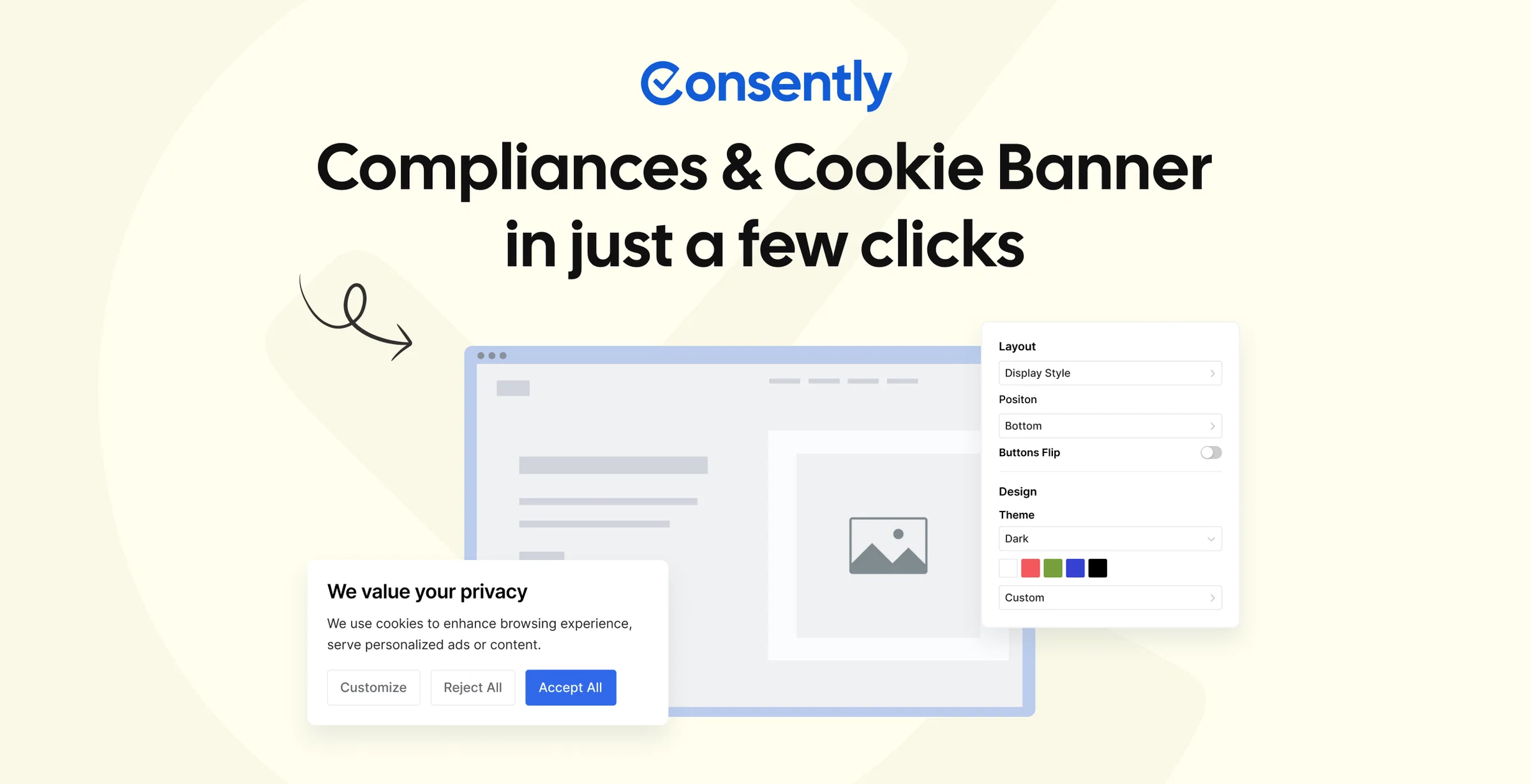
Consently scores 4.0 of 5 globally and 3.3 on our Webflow-fit score, seventh on this list. It is our own product, and we rank it here by the same Webflow-fit method, not first. Consently installs on Webflow only through a one-line script in Custom Code and has no native Webflow app. It therefore scores 1.0 on the decisive sub-factor, which keeps it low here despite category-leading value.
We are transparent about that gap. Consently does not live inside the Designer the way Consent Pro, Enzuzo, or FlowAppz do. No strength on other dimensions can offset a 1.0 on a factor worth 22 of 100 points, when native Webflow fit is the deciding criterion.
Why Consently Fits Multi-Site Webflow Agencies
Where Consently genuinely competes for a Webflow audience is price packaging for agencies, not native integration. The wedge is flat multi-domain pricing, sold as an annual subscription. You get 5 domains for $199 per year on a subscription. Ten domains cost $499 per year, with every feature on every plan and no per-feature upsells.
An agency running many Webflow client sites pays one flat price per year on a subscription. The alternatives are Consent Pro’s per-site lifetime licenses or the per-domain monthly subscriptions of CookieYes, Cookiebot, and Cookie Script.
A multi-site dashboard, a site selector, and clone-config across domains make running that portfolio from one login practical. This is a pricing advantage for scale, stated plainly, not a claim of native Webflow fit.
Key Features
Consently’s features are broad, with the Webflow install being a script rather than an app.
-
Banner with 4 styles, deep CSS control, 35 languages, and WCAG 2.2 AA accessibility
-
Scanner with automatic blocking of cookies, scripts, and iframes, plus exportable scan results
-
Consent logs and analytics with export, plus three policy generators including terms and conditions
-
Automatic Google Consent Mode v2 and IAB TCF 2.3
-
Multi-site dashboard with a site selector and clone-config, on EU (Frankfurt) hosting
Every feature is available on every plan, with details on the features hub. The Webflow install is one line of script in the Custom Code head.
Best Use Cases for Webflow
Consently fits a few specific Webflow scenarios well.
-
An agency running 5 to 10 Webflow client sites on one flat annual plan
-
A budget-conscious Webflow site owner who wants every feature without per-feature upsells
-
A multilingual Webflow site that needs 35-language banners with accessibility built in
For a single Webflow site that wants the cleanest native experience, Consent Pro or Enzuzo is the better fit.
Pros
These strengths come from its product details and verified reviews.
-
Flat multi-domain annual/monthly pricing that beats per-domain and per-site rivals at scale
-
Every feature on every plan, with no gating
-
Automatic Consent Mode v2 and three policy generators including terms
-
Live chat on all plans, EU hosting, and WCAG 2.2 AA accessibility
Cons
I lead with the native gap, because it is the reason Consently ranks near the bottom here.
-
No native Webflow app or Marketplace listing; it installs only by pasting a script into Custom Code
-
No true white-label or client sub-accounts, so agencies run every client from one login
-
A maturing scanner with a documented prior-blocking edge-case gap on some third-party scripts
-
Incomplete certifications: Google CMP Partner pending, with no ISO 27001 or SOC 2
-
No permanently free tier, only a 14-day trial
A Webflow user who wants a native-in-Designer app should pick Consent Pro or Enzuzo. The honest case for Consently is on the full Consently review.
Pricing
Consently offers a flat annual or monthly subscription option and no per-domain stacking.
| Plan | Price (per year) | Domains | Monthly Pageviews | Multi-site Dashboard |
|---|---|---|---|---|
| Basic | $99 | 1 | 100,000 | No |
| Premium | $199 | 5 | 1,000,000 | Yes (includes priority support) |
| Enterprise | $499 | 10 | 3,000,000 | Yes (includes priority support) |
All plans include every feature, a 14-day trial with no credit card, and pageviews shared across domains with no overage.
See Consently pricing for the full breakdown.
What Users Say
Consently’s independent review base is young and thin, with near-zero organic presence on G2, Capterra, and Reddit, so I treat its sentiment as early.
“The interface is clean and easy to use, and the auto-scanning saves me so much time.”Verified buyer, Consently on AppSumo
The positive theme from AppSumo is ease of use and time saved on scanning. The honest caveat is that the sample is small, so the sentiment is directional rather than settled.
8. CookieYes: Best Budget Script Banner With a Usable Free Tier
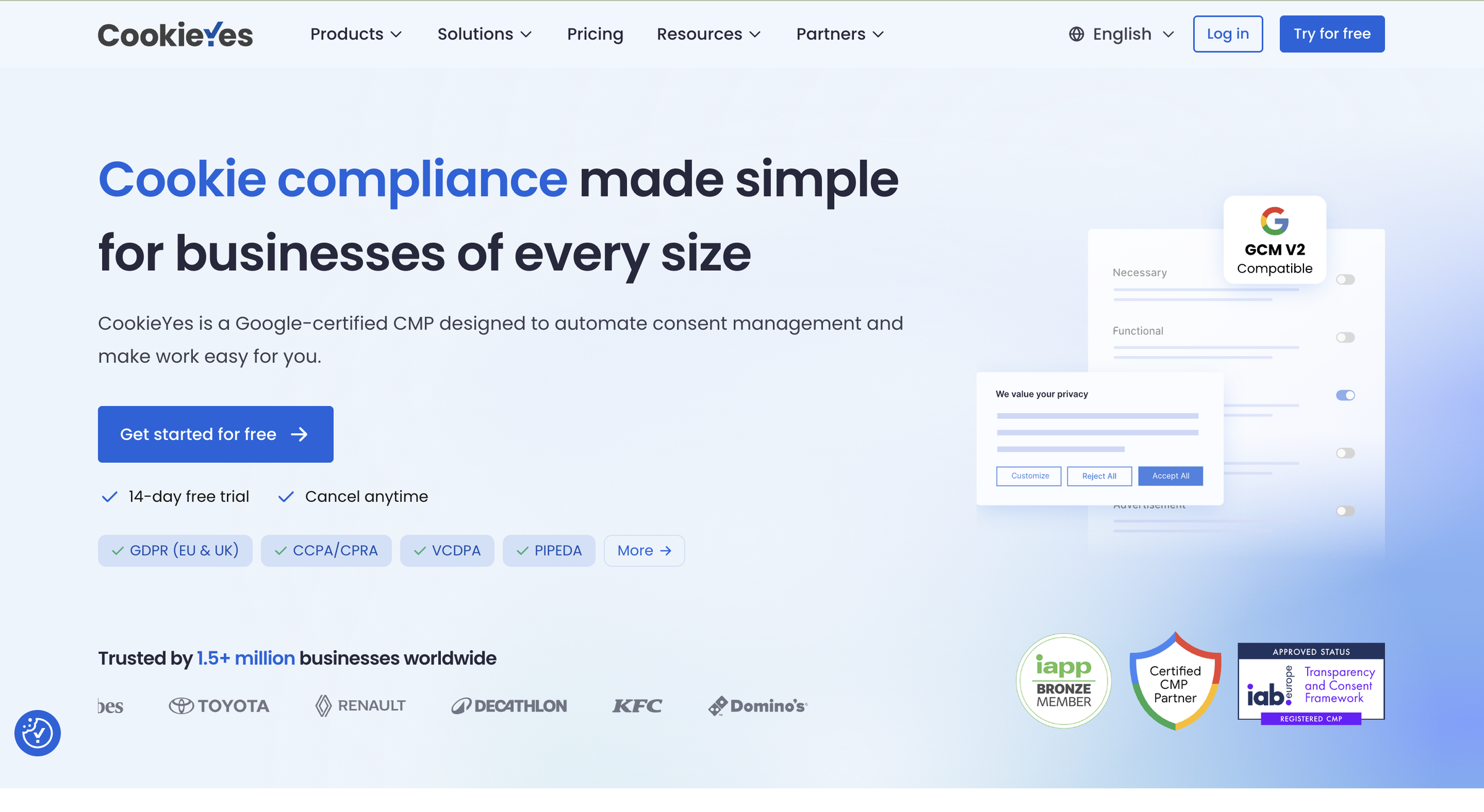
CookieYes scores 3.8 of 5 globally and 3.2 on our Webflow-fit score. It is the most recognized name here, with a large install base and a free tier that works for small sites. For Webflow specifically, it installs as a script, so it scores 1.0 on the native sub-factor.
Read the full CookieYes review for a complete assessment, or see CookieYes alternatives for tools with stronger native Webflow integration.
Key Features
CookieYes’s Webflow-relevant features are an easy script install and a real free tier.
-
Certified banner with a large cookie-scanning database
-
Automatic blocking on every plan
-
Two policy generators and Consent Mode v2 on the free plan
-
Custom Code (script) install for Webflow
Pros
These strengths come from verified reviews.
-
The easiest setup and a clean dashboard, praised across review platforms
-
A genuinely useful free tier, named on the Webflow forum as working indefinitely for small sites
-
Outstanding support sentiment on Trustpilot
-
Strong GDPR and CCPA banner templates
Cons
The limitations below are current and verified.
-
A generic script embed with no native Webflow app, scoring 1.0 on the native sub-factor
-
Per-domain pricing plus pageview overage that compounds across sites
-
Custom colors, CSS, and multilingual gated to Basic; IAB TCF, GPC, and geo gated to Pro
-
Full Consent Mode features beyond the basics require a paid plan
Pricing
CookieYes prices per domain, with features rising by tier.
| Plan | Price |
|---|---|
| Free | $0 (5,000 pageviews, 1 domain) |
| Basic | $10/mo |
| Pro | $25/mo |
| Ultimate | $55/mo |
Prices are per domain, so three sites on Pro reach $75/mo. Verify rates on the CookieYes pricing page.
What Users Say
Reviews are positive on ease and the free tier, with setup customization as the main snag.
“Very easy to use, with a clean, intuitive dashboard, and the free plan is genuinely useful for smaller sites.”Reviewer, paraphrased from BlogVault
A balanced note from TermsFeed is that some users hit snags during deeper setup. Pushing the banner past the default styling is where they appear.
What Is the Best Cookie Consent App for Webflow?
Consent Pro is the best cookie consent app for Webflow, earning the top Webflow-fit score of 4.4 for its native Designer install and automatic script-blocking. It is the highest-scoring app that passes the native Webflow gate. The right alternative depends on your need.
-
Enzuzo (Webflow-fit 4.2) for a native App Marketplace install with a free tier and DSAR.
-
CookieHub (3.7) for a certified custom-code option with ISO 27001 and session-based pricing.
-
Cookiebot (global 4.0) for the deepest certified scanning, if you accept a script install.
Cookiebot, Cookie Script, and Consently share the highest global score among our reviewed tools (4.0). All three drop on the Webflow lens because they install via a script rather than a native app.
For a Webflow agency running many client sites on a flat budget, Consently is the value pick. It offers flat multi-domain pricing, with every feature on every plan. The caveat is that your sites must accept a script install rather than a native Designer app.
Compare the broader field in the best consent management platforms and best cookie consent tools guides.
FAQs
What is the best free cookie consent for Webflow?
The best free routes are Webflow’s own made-in-Webflow cloneables, the FlowAppz Cookie Consent free plan, and the Flow Ninja free widget. The free tiers of CookieYes, CookieHub, and Enzuzo also qualify. They work for small static sites but narrow as you add custom styling, Consent Mode v2, or traffic. Enzuzo’s free tier is the strongest, since it is a native app.
Is Finsweet cookie consent still free?
No. Finsweet deprecated its free cookie consent cloneable and migrated it to Consent Pro, a paid native Webflow app. Consent Pro starts at $199 lifetime per site, with a free tier limited to .webflow staging URLs before you publish. The old free cloneable is no longer maintained as a standalone option.
Do I need a native Webflow app or is a script embed fine?
A native Webflow app (Consent Pro, Enzuzo, or FlowAppz) installs faster and more securely and lives in the Designer. A script embed (CookieHub, Cookie Script, Cookiebot, Osano, CookieYes, or Consently) works fine, but you manage the snippet and its load order. We weight native fit most, because a pasted script cannot reliably block another script in the same head.
Does Webflow have a built-in cookie consent banner?
Webflow does not ship a compliant consent banner. It provides Custom Code and an App Marketplace where you add one, and its help center documents consent management. The banner itself comes from a Marketplace app or a pasted script, never from Webflow’s own feature set.
Which Webflow cookie consent app supports Google Consent Mode v2?
All 8 apps here support Google Consent Mode v2. CookieYes includes it on the free plan but gates IAB TCF and GPC to its Pro tier. Cookiebot, Osano, and Enzuzo hold Google CMP certification, which signals a fully validated Consent Mode integration for GA4 and Google Ads.
What is the cheapest cookie consent for multiple Webflow client sites?
For an agency running several Webflow sites, Consently’s flat multi-domain pricing undercuts per-site and per-domain rivals. You get 5 domains for $199 per year on a subscription, and 10 domains for $499 per year. CookieHub at EUR 6/mo and Cookie Script at EUR 8/mo are the cheapest per-domain entry points.
What happens if a cookie consent app is installed incorrectly on Webflow?
If the consent script loads after the cookies it should block, those cookies fire without consent, which is a GDPR violation. The safest Webflow setups use a native Marketplace app such as Consent Pro. The alternative is to load the CMP script as the first element in the Custom Code head, before any analytics or advertising scripts.
Is Consently good for Webflow?
Yes, on value for agencies. It offers flat multi-domain pricing, sold as an annual subscription. Every feature is included, with automatic Consent Mode v2 and a 35-language accessible banner installed via one line of Custom Code. The honest limit is that Consently has no native Webflow app, so it scores lowest on native fit and lands near the bottom here. A single site wanting a native-in-Designer app should choose Consent Pro or Enzuzo.

