
Make Your WordPress Website Compliant in Minutes
Install the official Consently plugin, or drop in one line of code. Your GDPR and CCPA-ready banner goes live on WordPress in minutes.
Install the official Consently plugin, or drop in one line of code. Your GDPR and CCPA-ready banner goes live on WordPress in minutes.



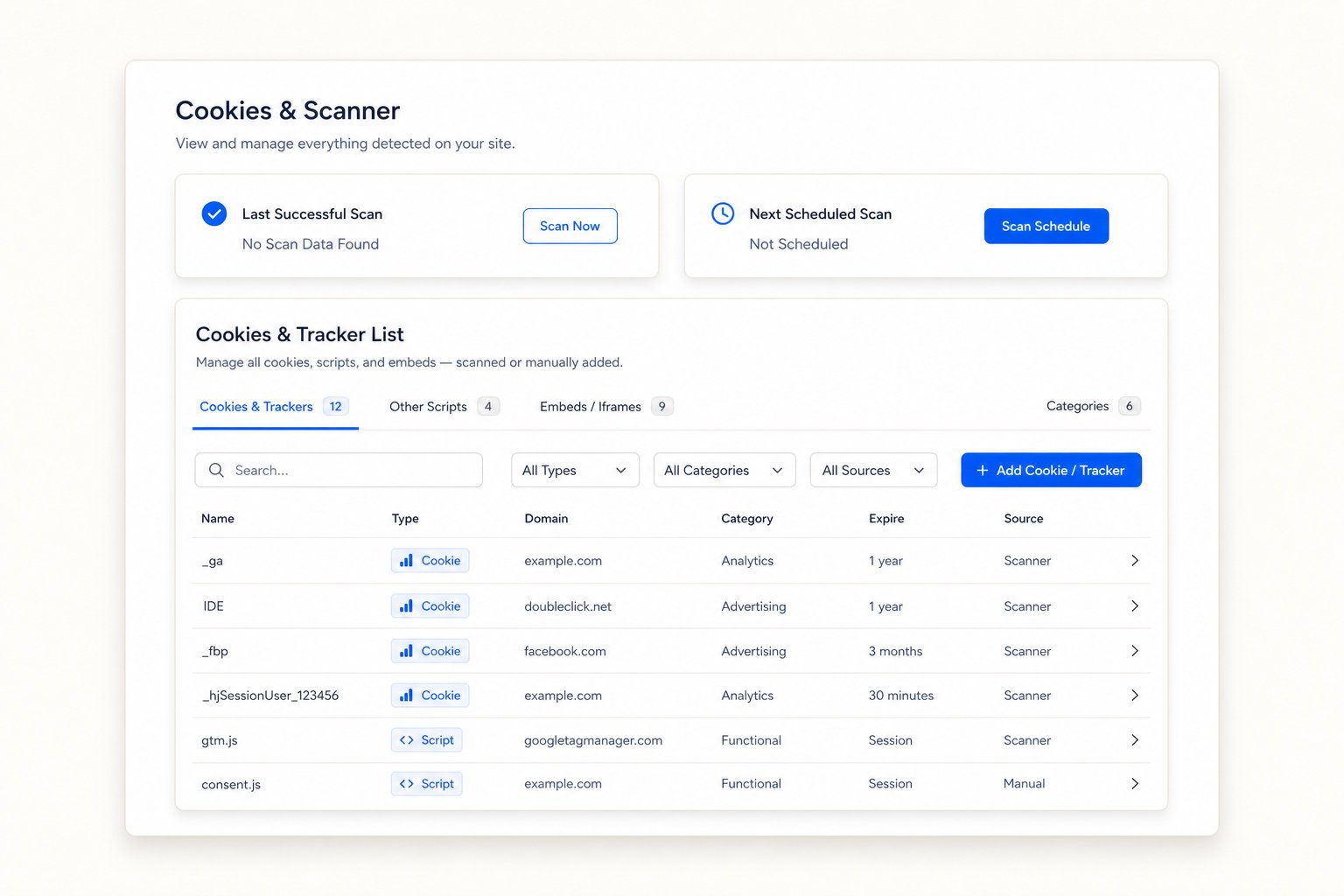
Find every tracker on your WordPress site and block it until visitors opt in.
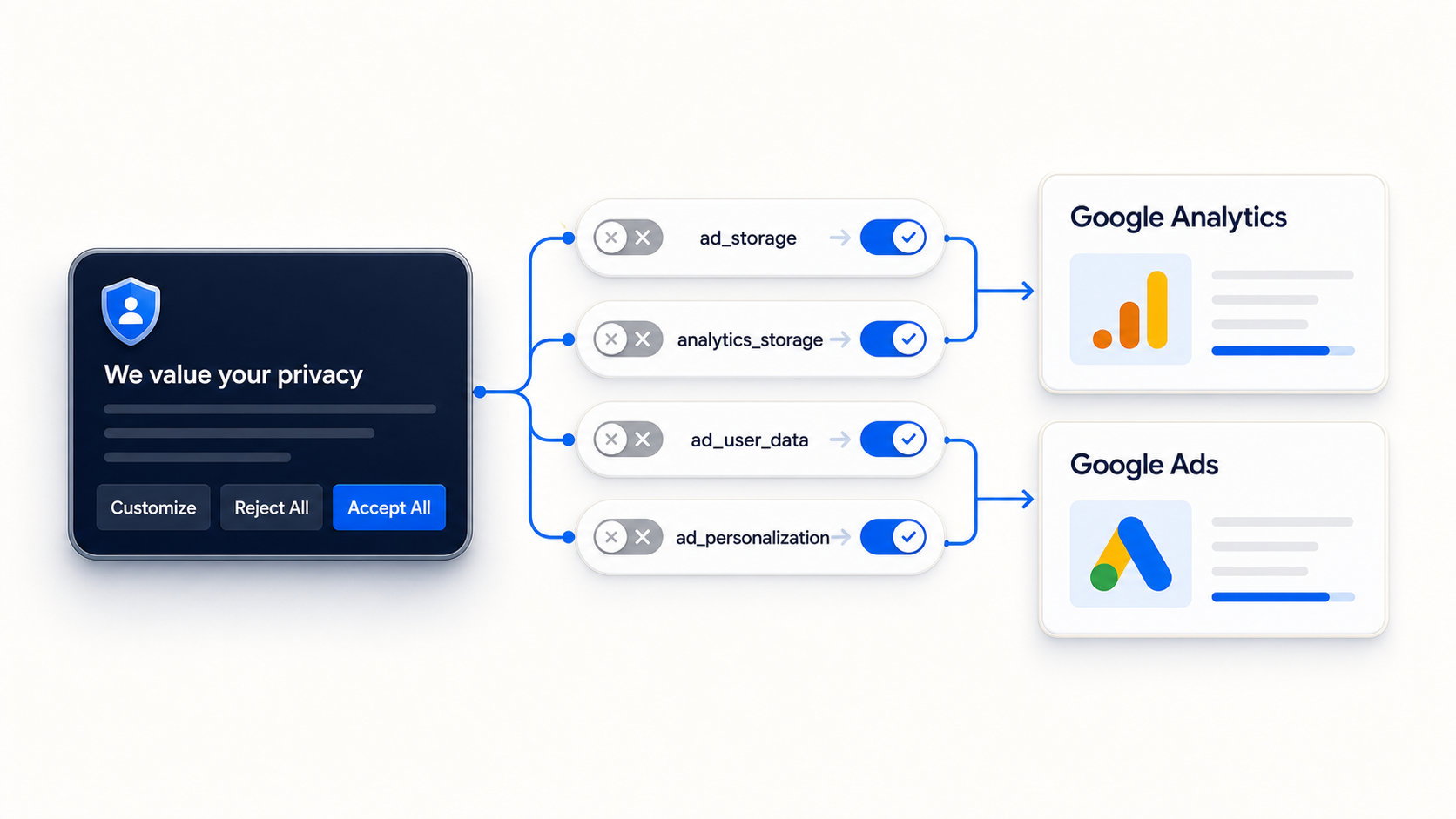
Signal consent to Google Analytics and Google Ads automatically, so measurement keeps working.
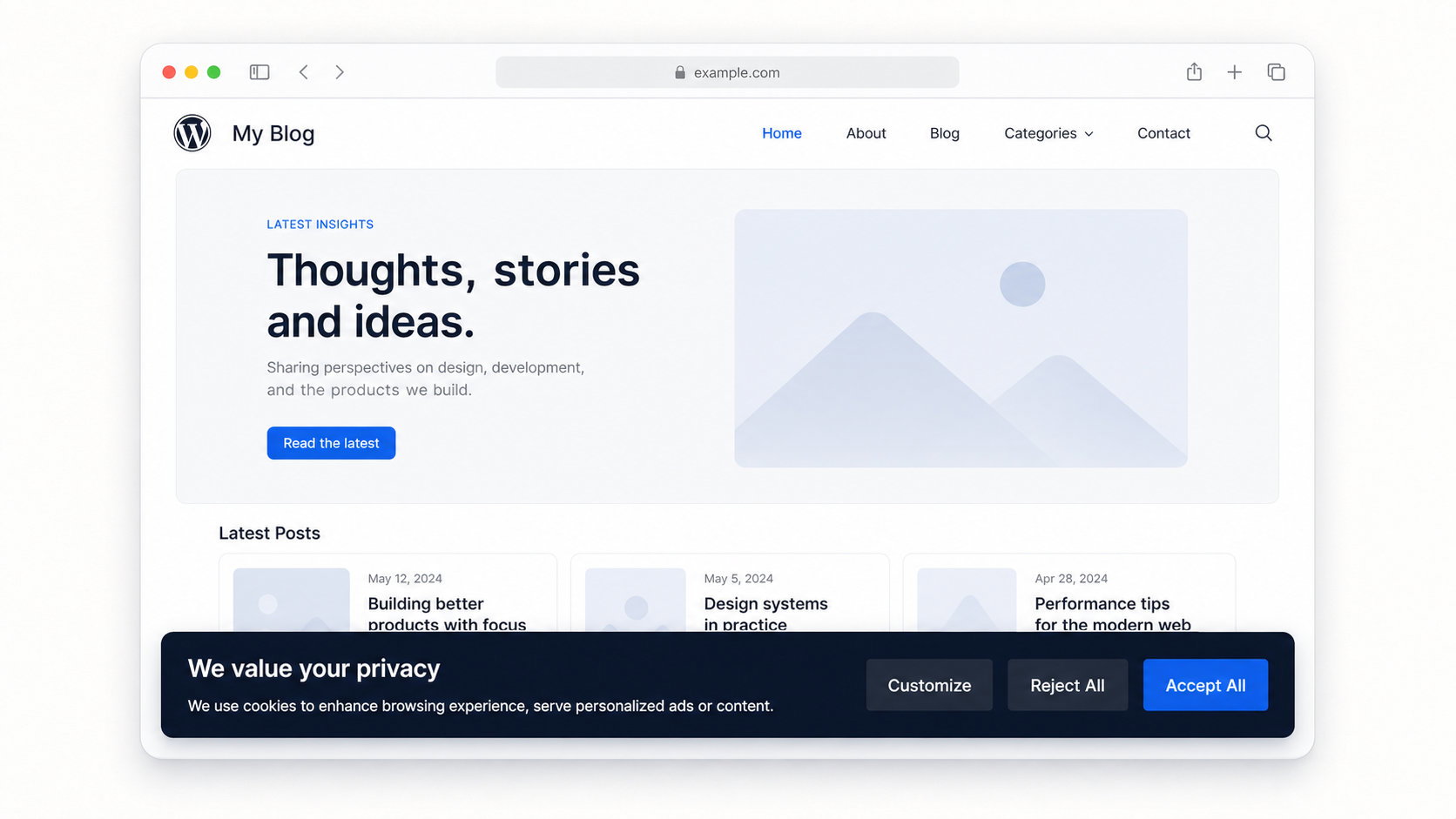
One banner serves EU opt-in and US opt-out, switching automatically by visitor region.
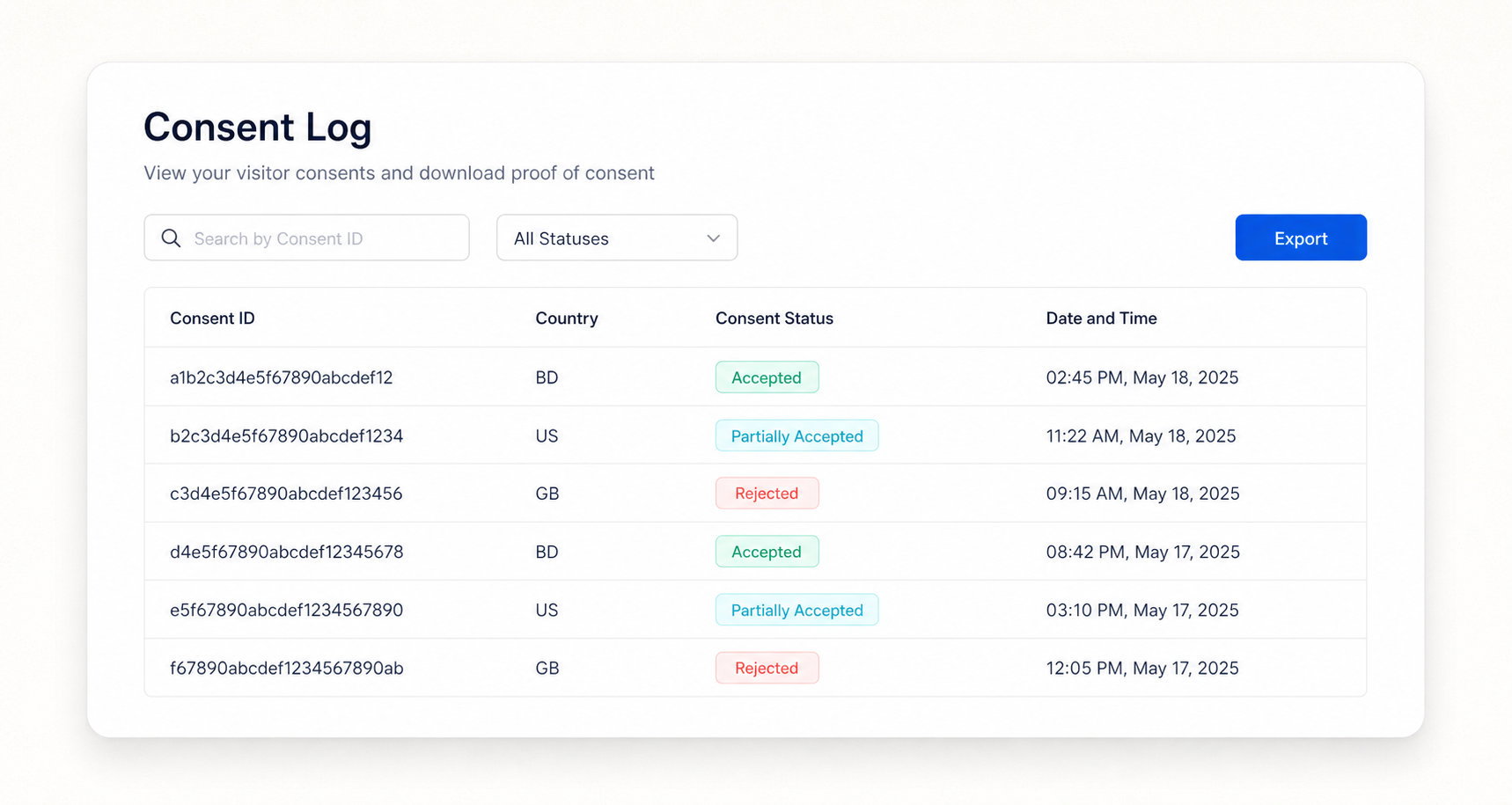
Generate your policies and store consent logs in the same WordPress tool.

One or ten, one account.

Script, plugin, Shopify app, or GTM.

Consently blocks trackers until consent.
Only once you add analytics, ads, or embeds, which nearly every WordPress site does. WordPress core alone sets few cookies, but Google Analytics, Google Ads, and embedded video all add non-essential tracking cookies that need consent.
Add one line of Consently’s script to your site’s header, or install it through Google Tag Manager. Either route works without the WordPress plugin.
Yes. Consently auto-blocks non-essential cookies, scripts, and iframes until the visitor opts in, then records that choice in your consent logs.
Yes. Premium covers 5 WordPress sites and Enterprise covers 10, with every feature included and one dashboard for all of them.
The Consently plugin is free to install from the WordPress.org directory. Connecting it to your account starts a 14-day trial, and core features like consent recording and new scans need a paid plan afterward.
No. Consently’s script is lightweight and loads before your other tracking scripts, and it is compatible with WP Rocket, LiteSpeed, and W3 Total Cache.
Yes. Consently sets up Google Consent Mode v2 automatically, so consent signals reach Analytics and Ads without manual code. You can also install it through Google Tag Manager.
No. One Consently account and one script cover every platform, so agencies and multi-site owners manage every client site from one place.
Get your WordPress site compliant today with one tool for banners, scanning, and policies.
Free 14-day trial. No credit card.

Built with ❤️ by the team @ Dorik.com
Follow us:
©2026 Dorik, Inc. All rights reserved.