
Make Your WooCommerce Store Compliant in Minutes
Add a compliant cookie banner to WooCommerce in one line, and cart, checkout, and payments keep working the whole time.
Add a compliant cookie banner to WooCommerce in one line, and cart, checkout, and payments keep working the whole time.



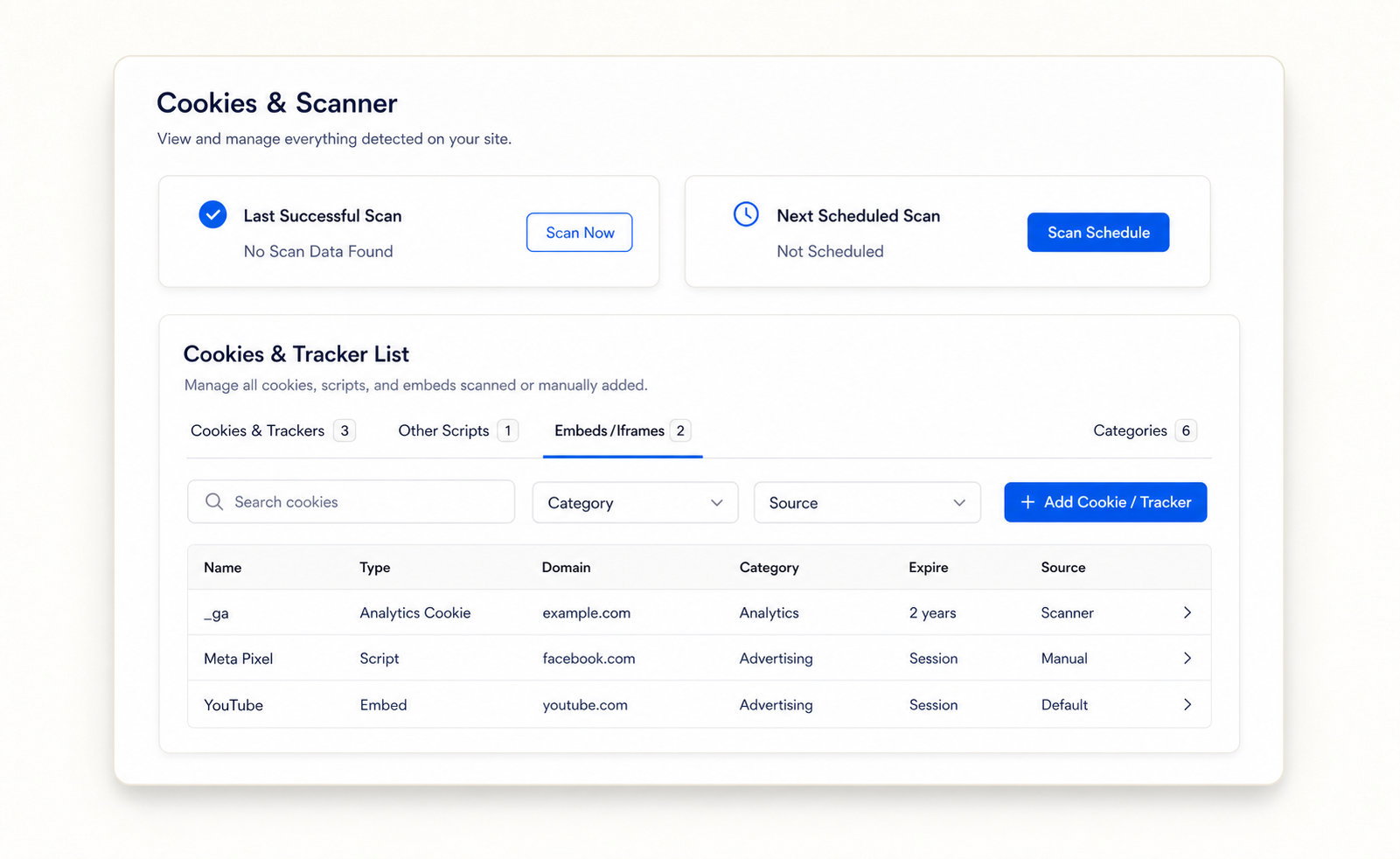
Find every cookie, script, and iframe, then block the non-essential ones.
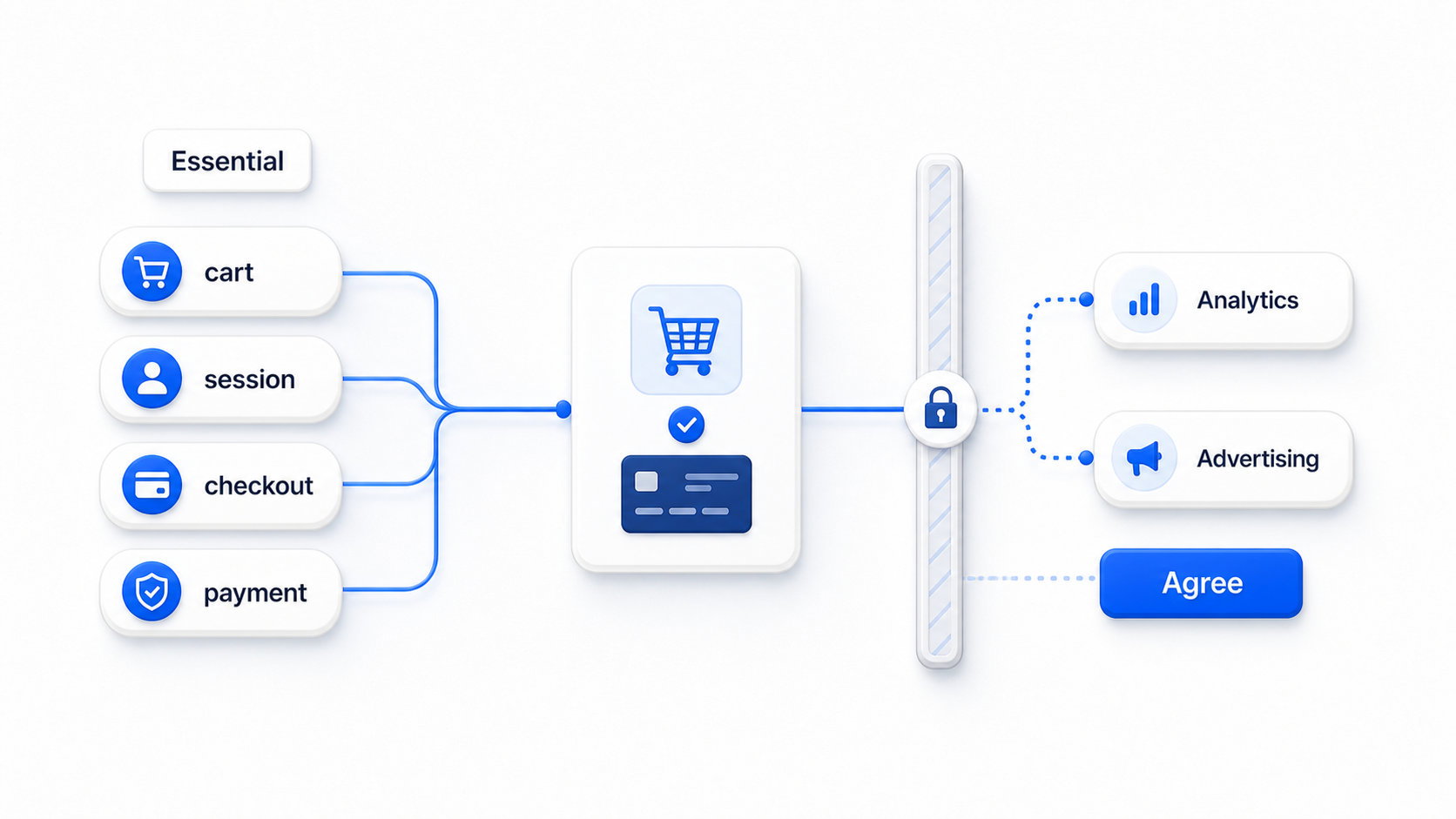
Your cart, session, and checkout cookies stay Essential, so payment gateways keep working, per WooCommerce’s cookie documentation.
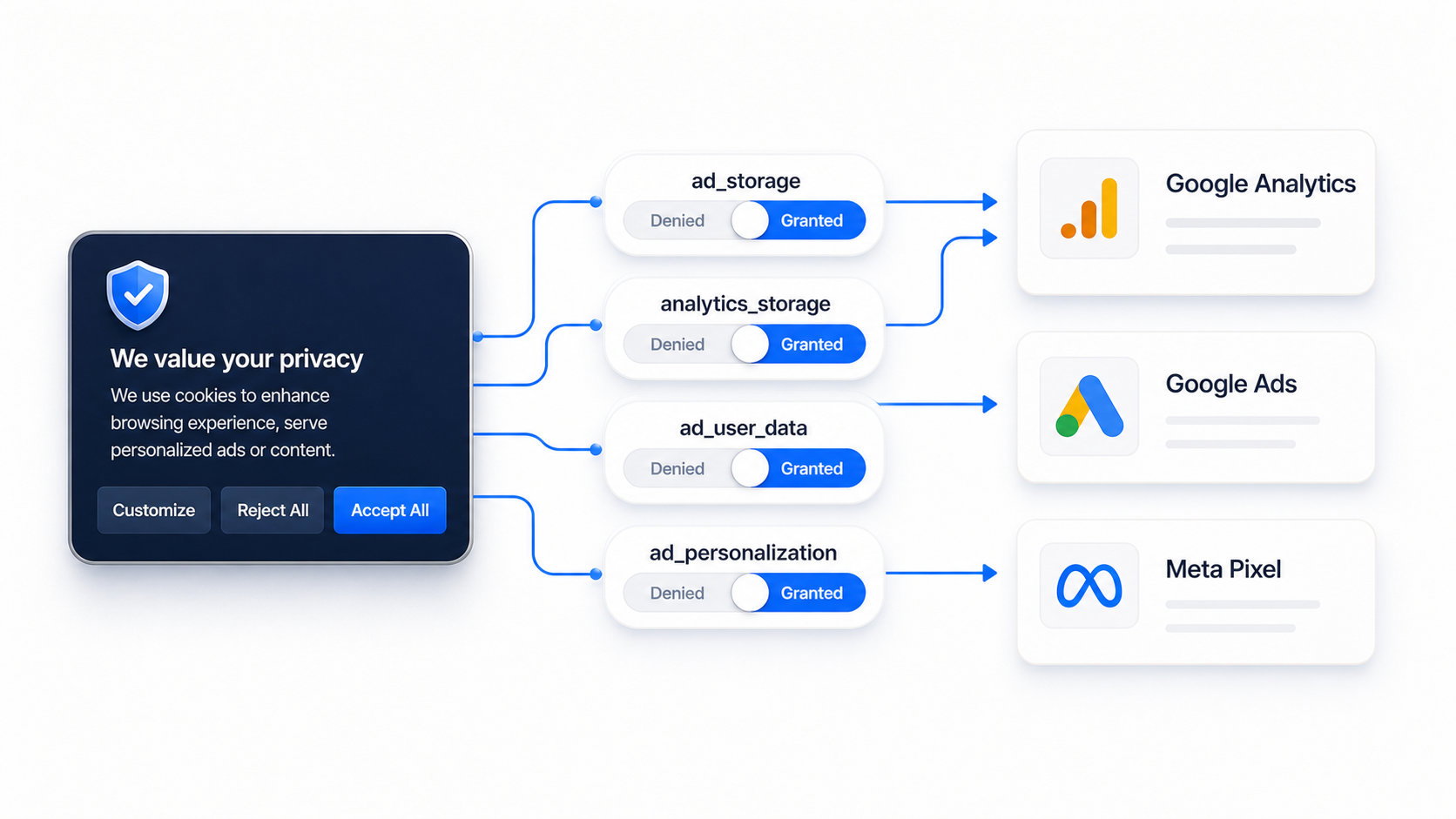
woocommerce_cart_hash and woocommerce_items_in_cart hold cartswp_woocommerce_session_ keeps shopper sessionsTurn on Google Consent Mode v2 by default, so measurement keeps flowing.
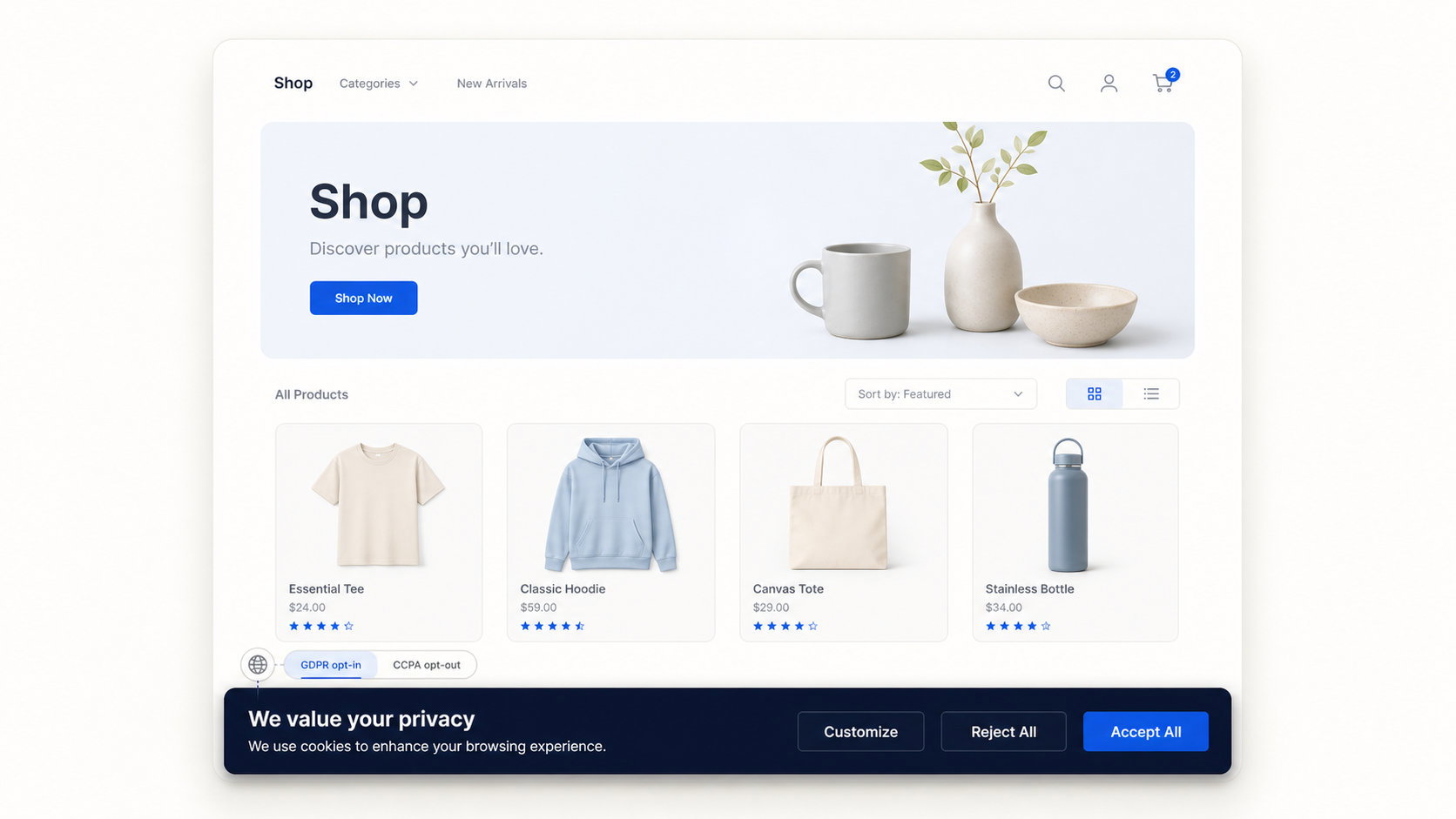
Consently shows the right model automatically, opt-in for GDPR and opt-out for US visitors.
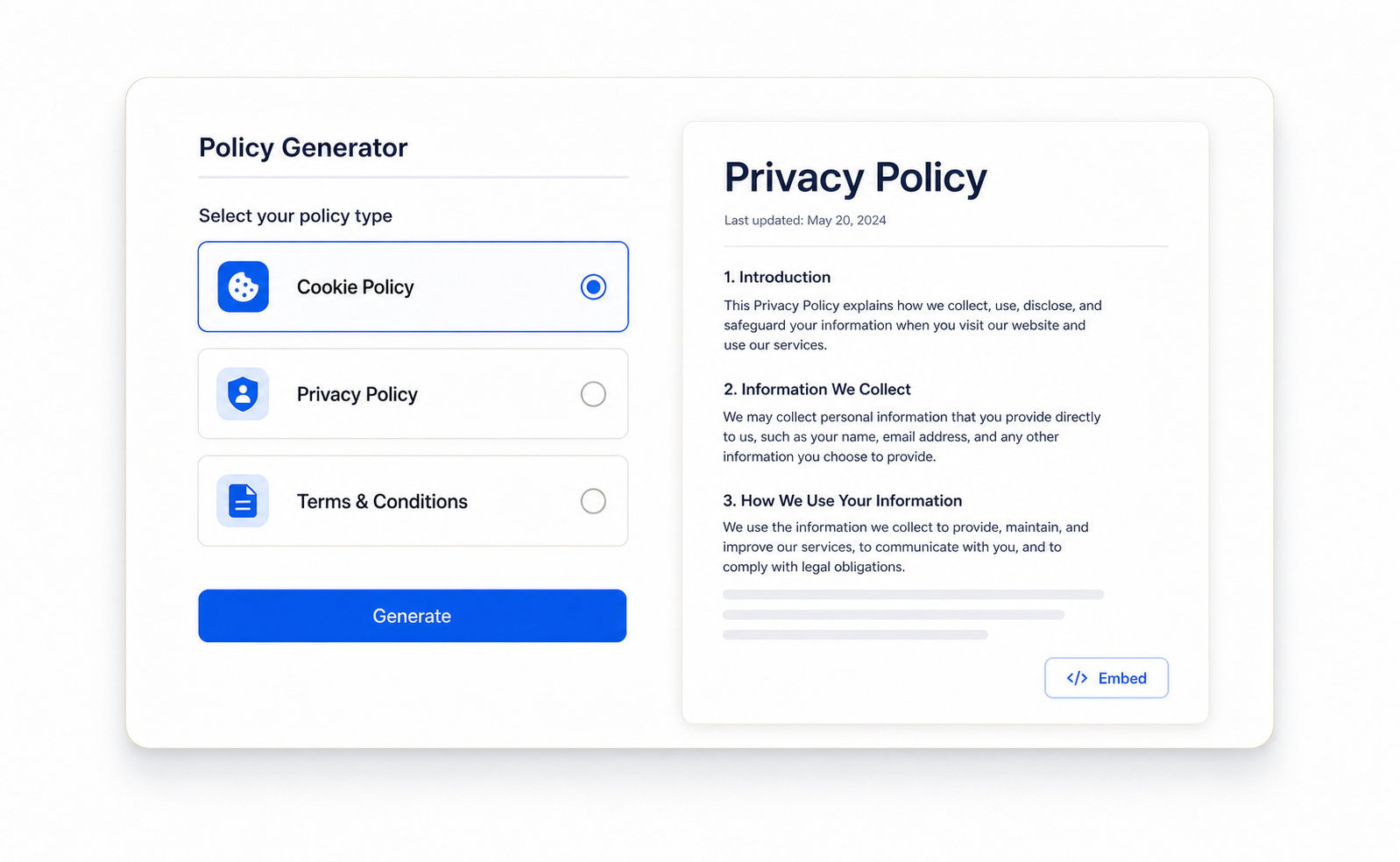
Generate the policy pages your store needs and export a consent audit trail.
One or ten, one account.
Script, plugin, Shopify app, or GTM.
Consently blocks trackers until consent.
WooCommerce ships no consent banner on its own. You need one once you run analytics, ads, or a Meta Pixel. You also need one if you serve visitors in the EU, UK, Canada, or an opt-out US state.
No. Cart, session, and checkout cookies are categorized Essential, so they always load, and orders never break because of the banner.
Yes. Both are on by default, alongside IAB TCF 2.3 and Google’s Additional Consent AC v2.
A banner helps you meet GDPR requirements, but it is one part of compliance. Consently also generates your cookie, privacy, and terms policies and keeps consent logs, though this is compliance assistance, not legal advice.
Yes, in most cases. CCPA and other US state laws require an opt-out banner. Google Consent Mode v2 also makes a banner a practical requirement for most Google Ads and Analytics setups, regardless of where you sell.
Install the official Consently WordPress plugin from wp-admin, or add Consently through Google Tag Manager. Both routes need no custom code.
Consently offers a 14-day free trial with no credit card required. After the trial, you choose a paid plan; there is no free-forever tier.
Yes. Premium covers 5 domains and Enterprise covers 10, with pageviews shared across the whole account.
Get a compliant banner live today, with checkout protected and every feature on every plan.
Free 14-day trial. No credit card.

Built with ❤️ by the team @ Dorik.com
Follow us:
©2026 Dorik, Inc. All rights reserved.