
Make Your Webflow Site Compliant in Minutes
Webflow ships no cookie banner. Consently adds a GDPR and CCPA-ready one that scans your site and blocks trackers before consent.
Webflow ships no cookie banner. Consently adds a GDPR and CCPA-ready one that scans your site and blocks trackers before consent.



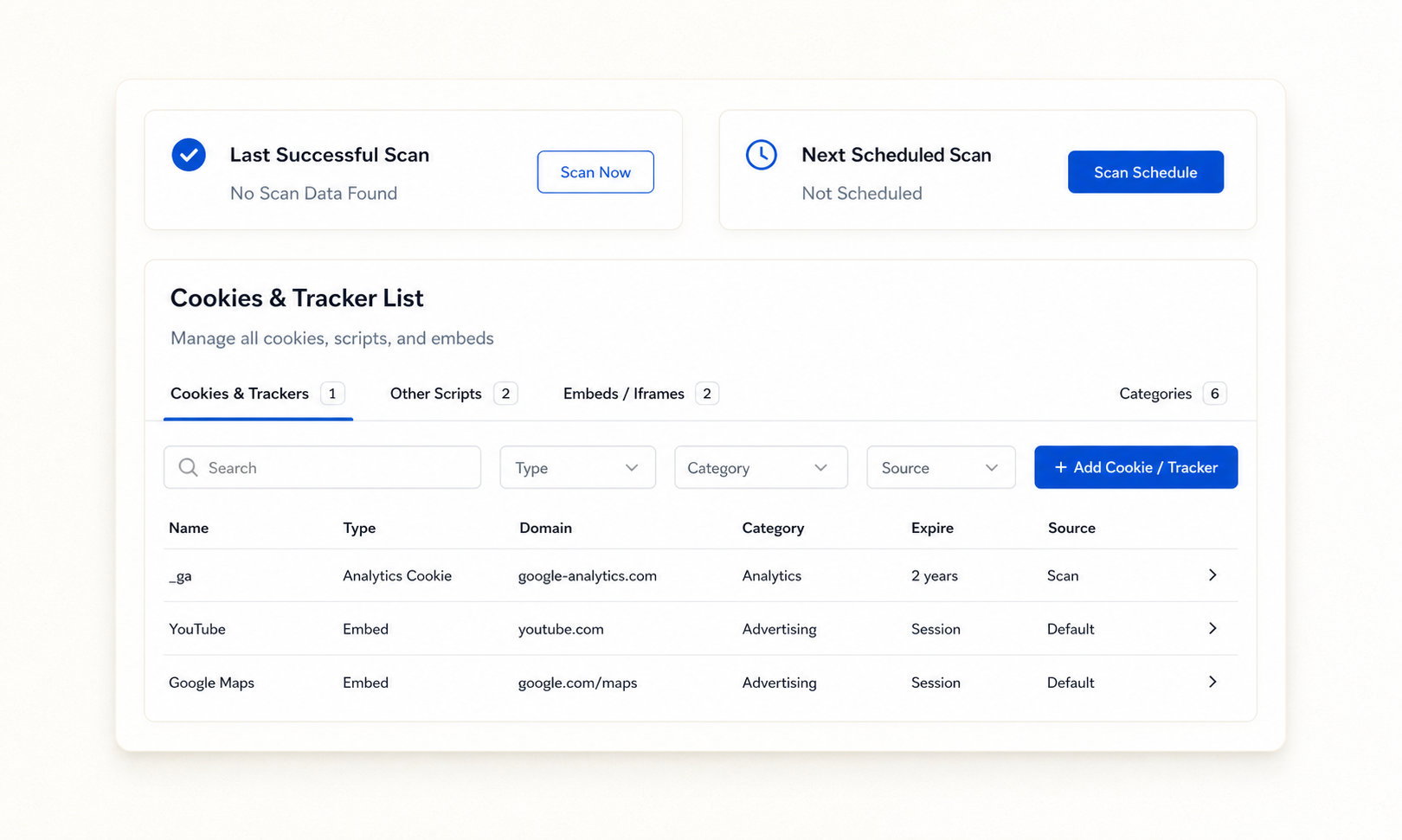
Consently’s auto-scan finds every tracker on your Webflow site and holds it until visitors choose.
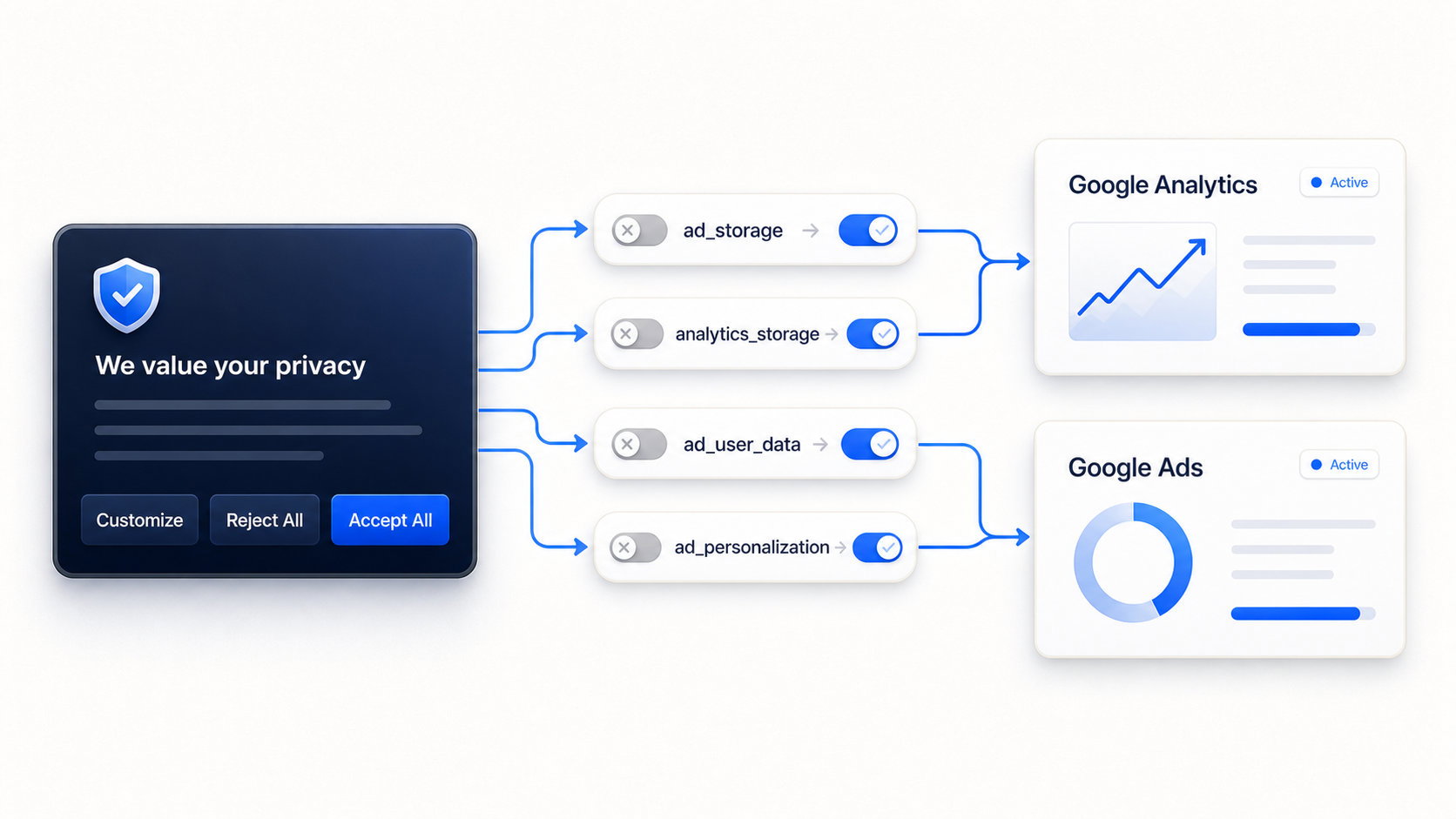
Set Google Consent Mode v2 to denied, then update your tags the moment a visitor responds.
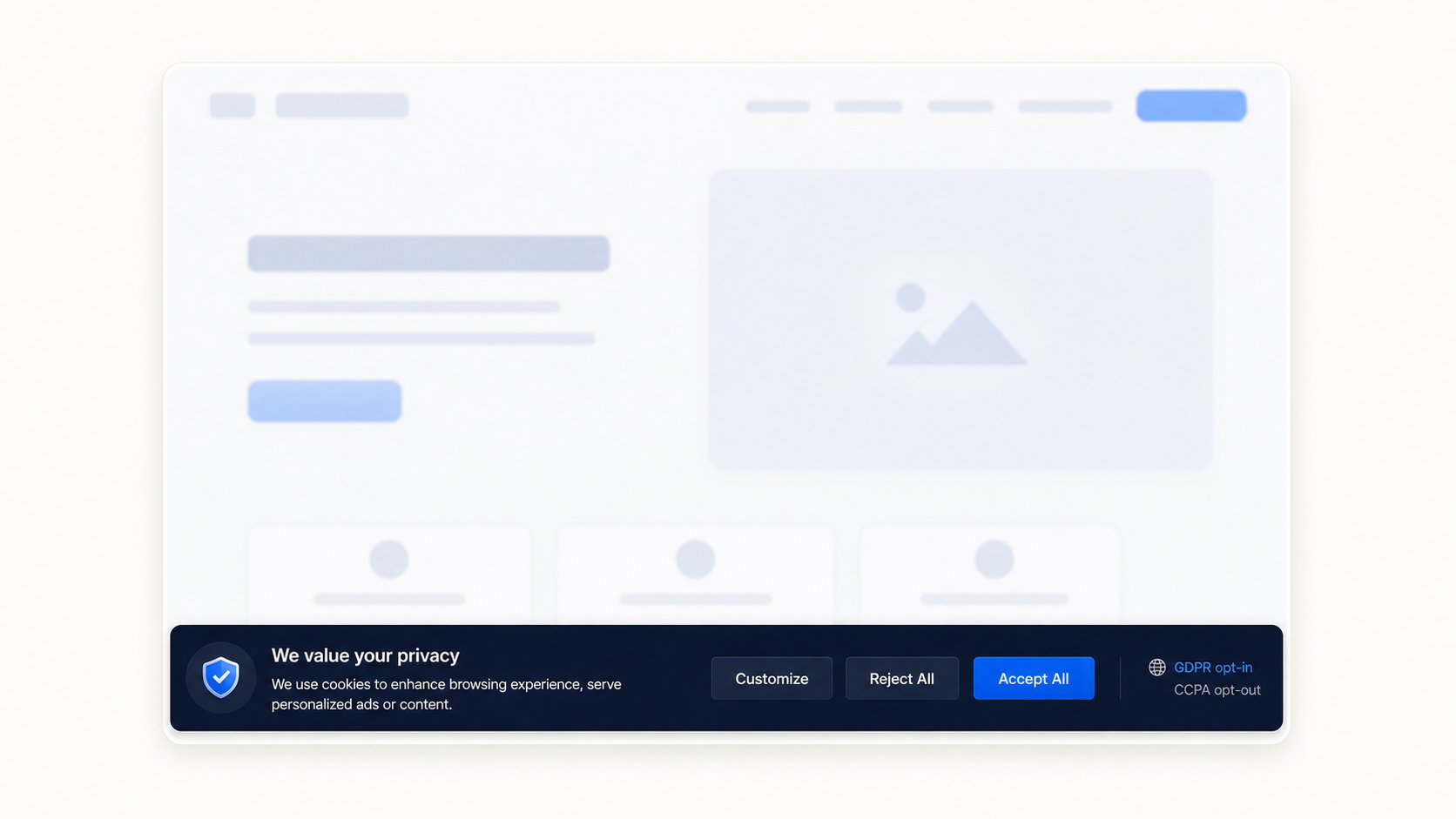
One install shows EU and UK visitors an opt-in banner and US visitors the CCPA opt-out.
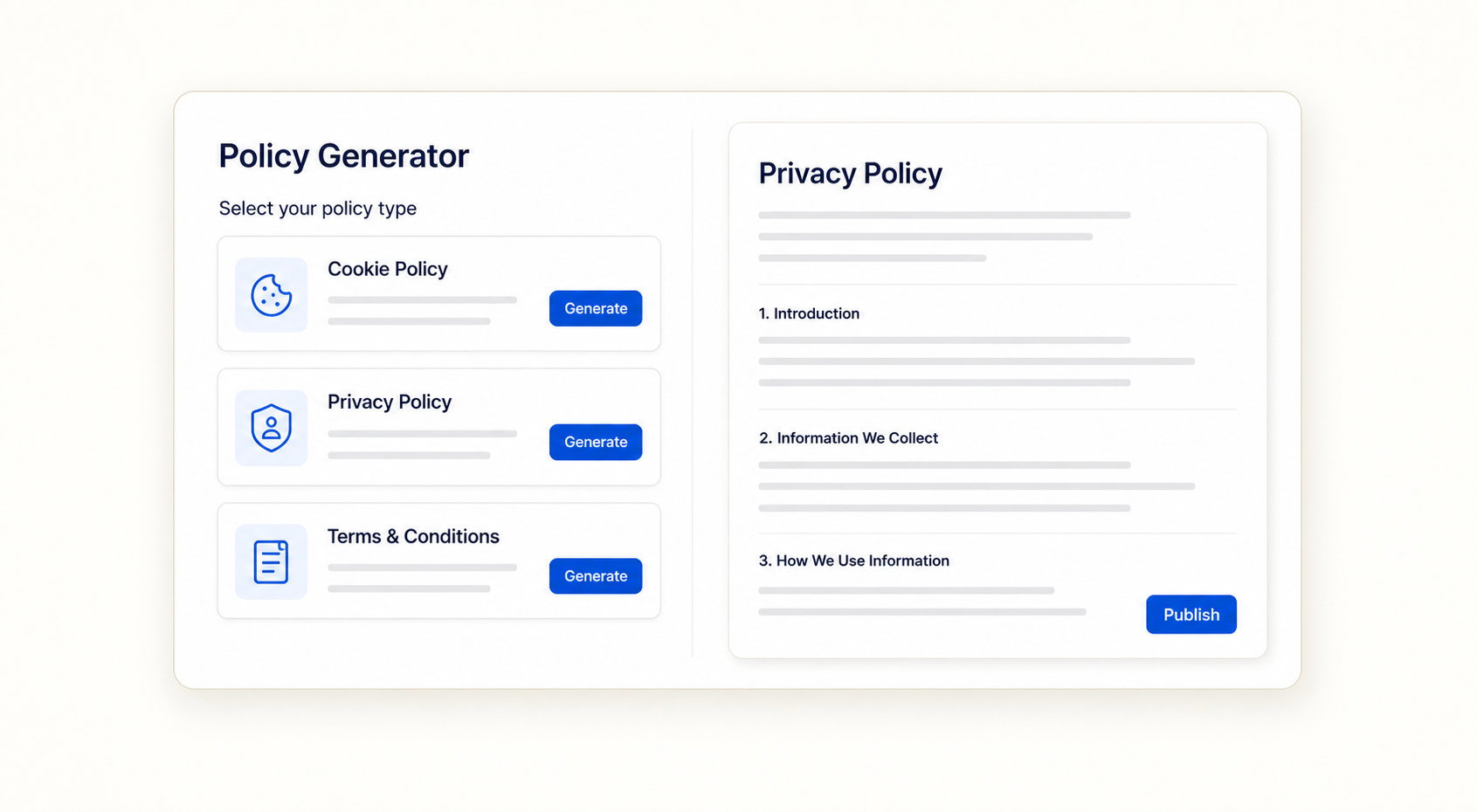
Consently writes the cookie, privacy, and terms documents Webflow leaves out.

One or ten, one account.

Script, plugin, Shopify app, or GTM.

Consently blocks trackers until consent.
No. Webflow ships no native cookie consent, so you add a tool like Consently through Custom Code to collect and record visitor consent.
A banner helps you meet GDPR and CCPA requirements when your site tracks visitors and reaches EU, UK, or California residents. A US-only site with zero tracking may not strictly need opt-in consent, but most Webflow sites run analytics that reach those visitors anyway.
Yes. The Consently script loads from Consently’s servers, not from Webflow, so it works the same on both once the snippet is installed.
Yes. Consently sets Consent Mode v2 defaults to denied and updates Google tags automatically, whether you install directly or through GTM.
Yes. Premium covers 5 domains and Enterprise covers 10, with every feature included on both, so agencies manage multiple client sites from one account.
Go to Project Settings, then Custom Code, then Head Code, paste your Consently snippet, and publish. The banner appears immediately for every visitor.
No. Finsweet’s free component is deprecated and now redirects to Consent Pro, its paid native app. Consently is an all-in-one alternative that also handles scanning, policies, and consent logs.
Yes. Consently blocks these embeds until a visitor responds and shows an editable placeholder in their place, so your page layout stays intact.
There is a 14-day free trial with no credit card required, but no free-forever tier. You can choose from a monthly or an annual subscription, whichever suits your needs.
Add compliant cookie consent to your Webflow site in minutes. One account also covers your Shopify, WordPress, and every other platform you run.
Free 14-day trial. No credit card.

Built with ❤️ by the team @ Dorik.com
Follow us:
©2026 Dorik, Inc. All rights reserved.