
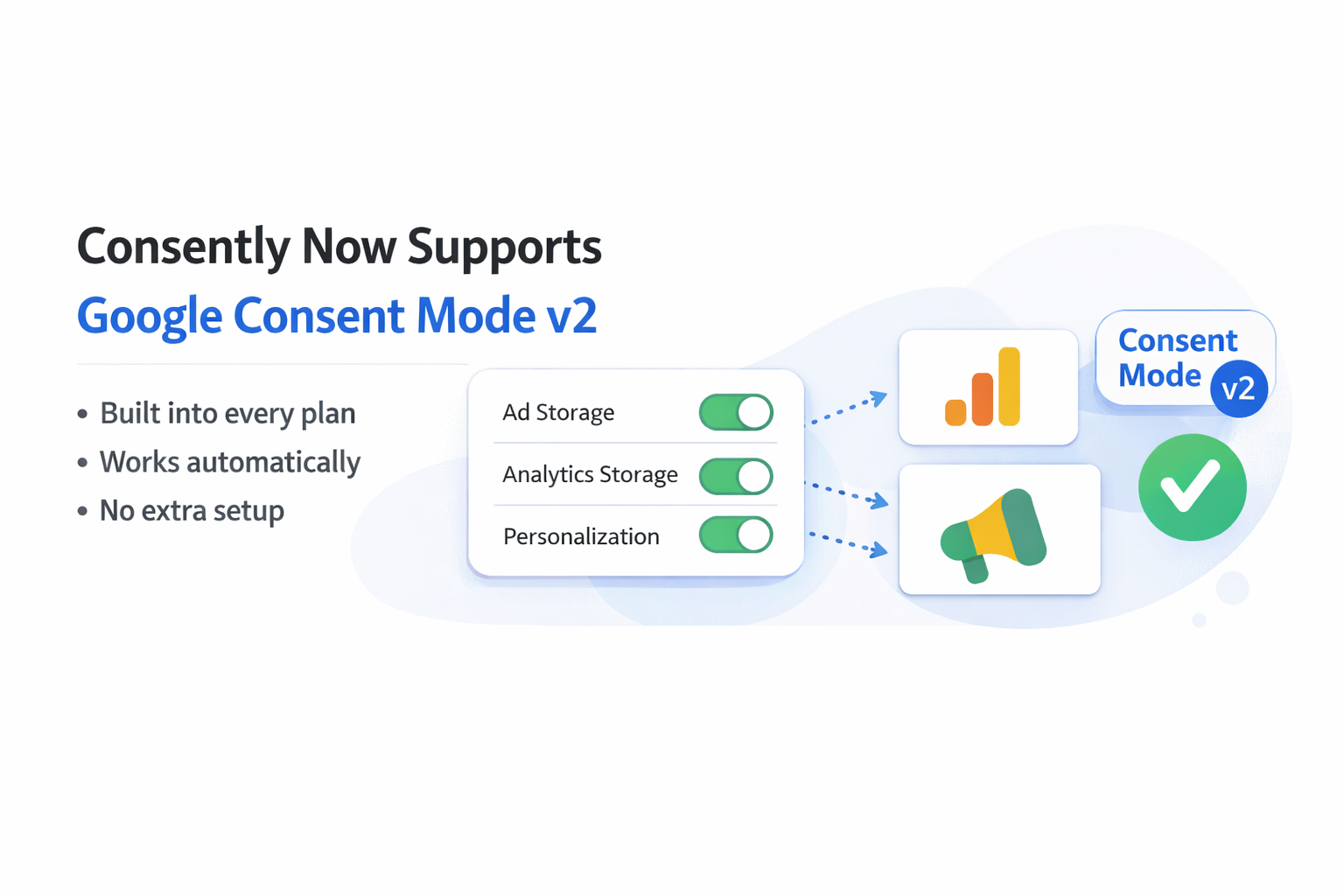
We are excited to announce that Consently fully supports Google Consent Mode v2, Google's updated framework for communicating visitor consent choices to Google Analytics, Google Ads, and other Google services.
This integration is built into every Consently plan, works automatically when you install your consent banner, and requires no additional setup or developer work.
What Is Google Consent Mode v2?
Google Consent Mode v2 is a technical framework that controls how Google tags behave based on a visitor's consent preferences. When a visitor interacts with your consent banner, Consent Mode communicates those choices to Google services in real time, so that tracking, analytics, and advertising tools respect the visitor's decision.
The "v2" update, introduced by Google in late 2023, added two new consent signals (ad_user_data and ad_personalization) alongside the original two (ad_storage and analytics_storage). Together, these four parameters give Google a complete picture of what data processing a visitor has agreed to.
For websites using Google Analytics or running Google Ads campaigns, Consent Mode v2 is essential. Without it, Google may limit your access to measurement features and conversion data, particularly for traffic originating from the European Economic Area (EEA).
What Consently Supports
All Four Consent Parameters
Consently passes all four required consent signals to Google:
-
ad_storage: Controls whether Google can store data (such as cookies) for advertising purposes.
-
analytics_storage: Controls whether Google can store data for analytics and measurement.
-
ad_user_data: Controls whether personal data collected on your site can be sent to Google for advertising, including audience lists and Customer Match.
-
ad_personalization: Controls whether data can be used for remarketing and personalized ad targeting.
When a visitor accepts the Advertising category in your Consently banner, all three ad-related parameters (ad_storage, ad_user_data, ad_personalization) are granted simultaneously. When they accept the Analytics category, analytics_storage is granted. Rejecting either category denies the corresponding signals.
Privacy by Default
Before a visitor makes a choice, all consent signals default to "denied." No cookies are set, and no personal data is transmitted to Google until the visitor explicitly grants consent. This ensures compliance with GDPR and other opt-in regulations from the first page load.
Basic and Advanced Consent Mode
Consently lets you choose between two configurations:
-
Basic Mode blocks all Google tags entirely until consent is granted. No data of any kind is sent to Google before the visitor makes a choice. This is the strictest option and is ideal for websites prioritizing full GDPR compliance.
-
Advanced Mode loads Google tags immediately in a restricted, cookieless state. Before consent, tags send only non-identifying pings (timestamps, browser type, consent state) with no cookies or personal data. This enables Google's advertiser-specific conversion modeling, which improves measurement accuracy for businesses that rely on Google Ads.
You can switch between Basic and Advanced at any time from your site's Advanced Settings panel in the Consently dashboard.
Google Tag Manager and gtag.js Compatibility
Consently works with both Google Tag Manager (GTM) and direct gtag.js implementations. Consent signals are passed automatically through the dataLayer, so your existing Google tag setup continues to function correctly without modification. If you use GTM, Consently's embed script can be installed as a Custom HTML tag that fires on all pages. For step-by-step instructions, see our Google Tag Manager Installation guide.
IAB TCF 2.2 Compatibility
Consently is also IAB TCF 2.2 certified, meaning consent signals are passed correctly to hundreds of advertising vendors in the programmatic advertising ecosystem. When both Google Consent Mode v2 and IAB TCF are enabled, your banner handles consent for Google services and the broader ad tech industry simultaneously.
Conversion Modeling
When visitors deny consent, Google uses conversion modeling to estimate conversions that cannot be directly observed. Consently's certified integration ensures these modeled conversions work correctly by passing properly formatted consent signals. This allows you to maintain directional measurement accuracy and continue optimizing ad campaigns even with high opt-out rates.
How to Enable Google Consent Mode v2 in Consently
There is nothing to configure. Google Consent Mode v2 is enabled automatically for every Consently site. When you install the Consently embed script on your website, consent signals start flowing to Google as soon as visitors interact with your banner.
To verify the integration is working:
-
Open your website with Google Tag Manager Preview mode or the Google Tag Assistant Chrome extension.
-
Interact with your consent banner (accept or reject).
-
Check the
dataLayerforconsent_updateorconsent_defaultevents. -
Confirm that
ad_storage,analytics_storage,ad_user_data, andad_personalizationvalues match the visitor's choices.
For a detailed walkthrough, visit our documentation:
-
Google Consent Mode v2: How the integration works and what each signal controls
-
Basic vs. Advanced Google Consent Mode: Choosing the right mode for your website
-
Creating a Google-Compliant Consent Banner: Meeting Google's three required banner elements
Google CMP Certification
Consently is a Google-certified Consent Management Platform (CMP) for Additional Consent (AC v2) and supports Google Consent Mode v2 alongside IAB TCF v2.2. Our implementation follows Google's documented requirements for consent signaling, ensuring Google tags receive accurate consent states only after user choice.
We are currently pursuing listing in Google's CMP Partner Program to further validate our compliance and expand the trust signals available to Consently users. We will update this post as the application progresses.
For full details on our certifications, visit Certifications.
Get Started
Google Consent Mode v2 support is included in every Consently plan, starting at $99/year, with a 14-day free trial and no feature gating. Every plan includes the full consent banner, cookie manager, policy generator, Google Consent Mode v2, and IAB TCF 2.2 support.
Start your free trial or explore our documentation to learn more.

